Add platform
ionic cordova platform add android
Create keystore
keytool -genkey -v -keystore he-release.keystore -alias he -keyalg RSA -keysize 2048 -validity 10000
Create signing config
Create release-signing.properties under platforms/android:
key.store=<YOUR_KEYSTORE>.keystore
key.store.password=<YOUR_KEYSTORE password>
key.alias=<YOUR_ALIAS>
key.alias.password=<YOUR_ALIAS password>
Build command
ionic cordova build android --prod --release
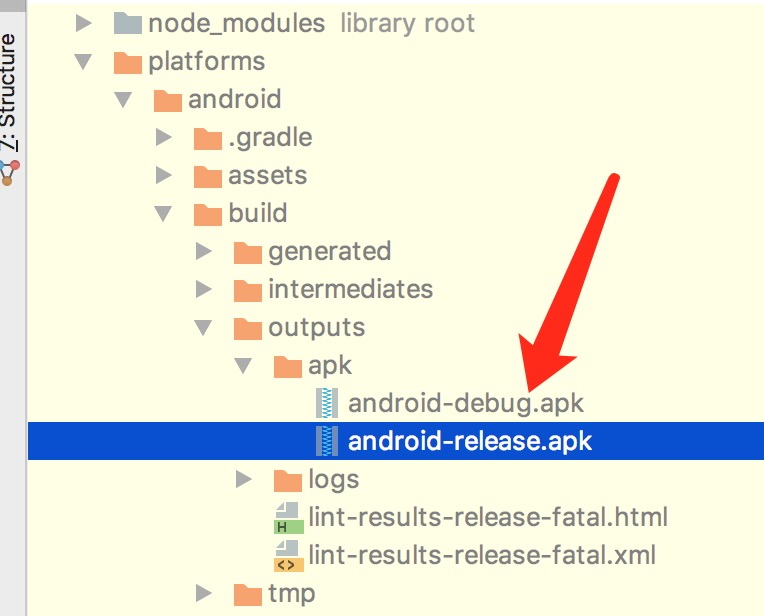
You will see android-release.apk under /platforms/android/build/outputs/apk.
You can also sign the APK manually from the command line, but it is more cumbersome. I recommend the automated signing above.
Reference: Ionic 2: Building A Release Android APK


