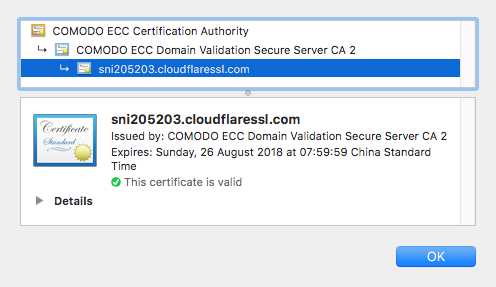
GitHub Pages itself supports HTTPS. For example, repository addresses like alanhg.github.io can be accessed normally via HTTPS, but after using a custom domain, HTTPS access is not available. Here we use Cloudflare’s free CDN service to achieve this.
Operation Steps
Register a Cloudflare account
Click ‘Add Site’

Choose the free plan
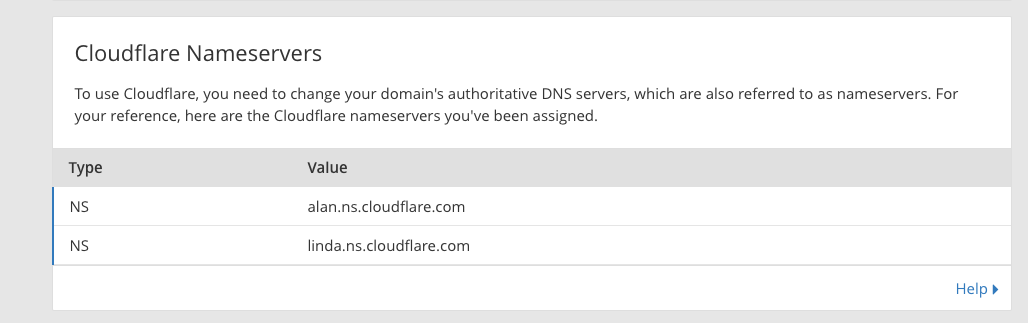
After successful addition, it will prompt you to modify the domain’s DNS servers
Under Crypto, select
SSL-Flexible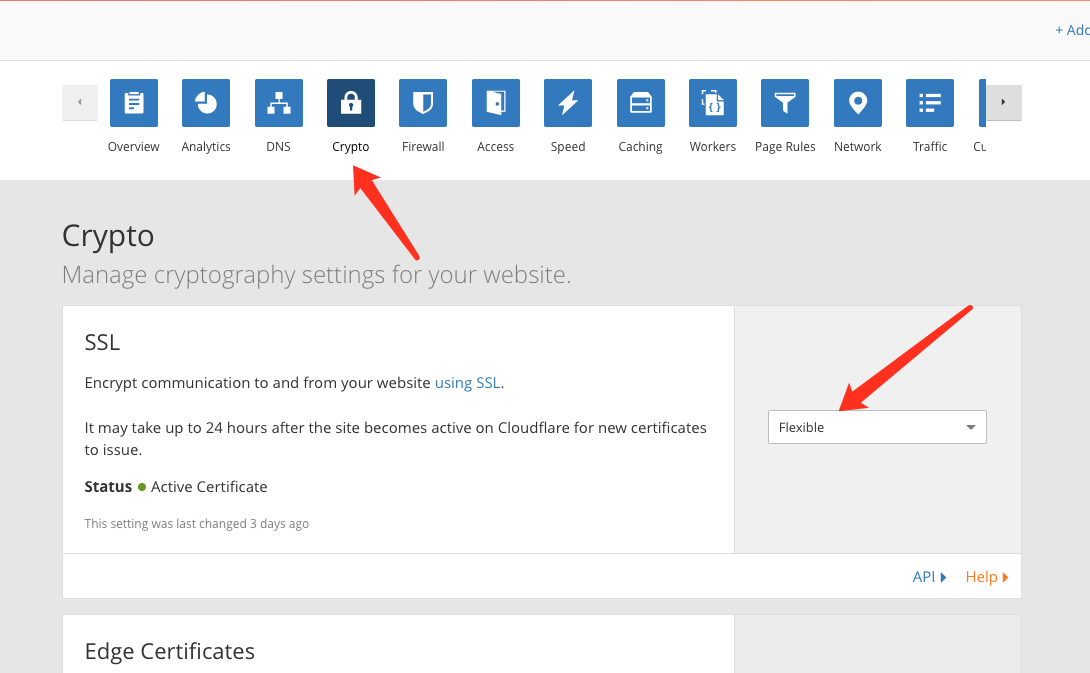
Check
Always use HTTPS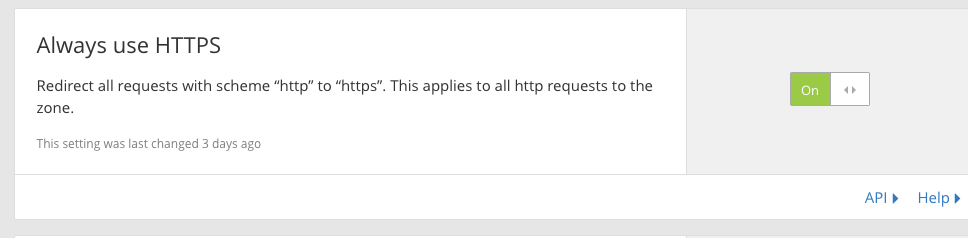
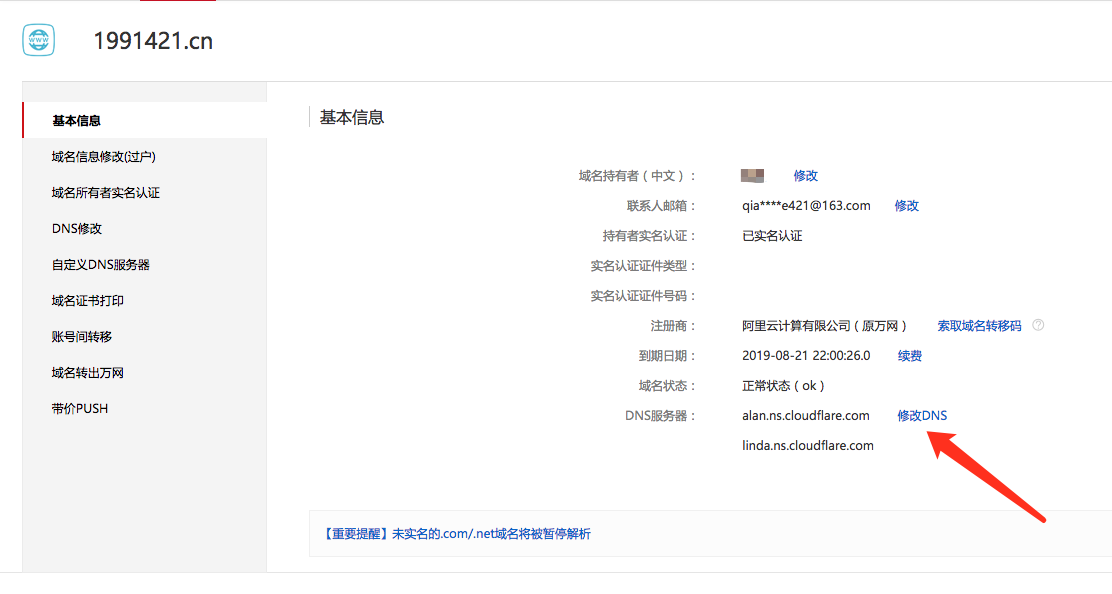
Log in to your domain registrar’s control panel, modify DNS server addresses to those provided by Cloudflare above
Final Thoughts
After configuration is complete, accessing https://1991421.cn works, but the browser will show a certificate error because it’s GitHub’s certificate, which doesn’t match our custom domain.
This issue requires some waiting time. It worked normally for me when I accessed it the next day.