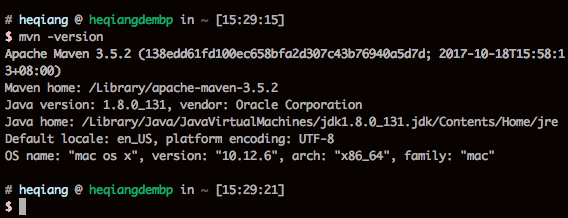
Maven is a build tool for Java development. This post shows how to install it in a Zsh environment.
Download Maven
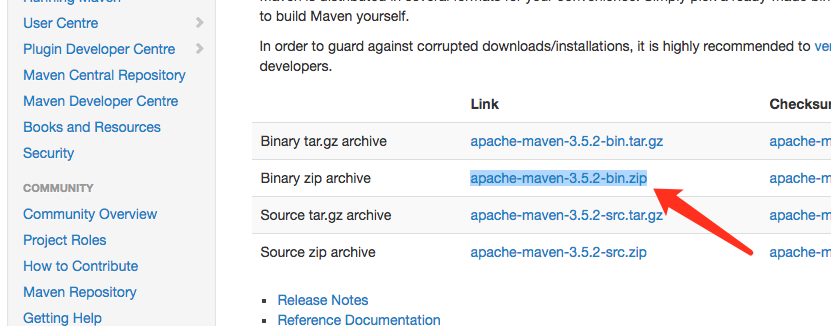
/Library/apache-maven-3.5.2.
Open terminal (e.g. iTerm2) and edit zshrc
$ vi ~/.zshrc
Append the following at the end of the file:
export M2_HOME=/Library/apache-maven-3.5.2
export M2=$M2_HOME/bin
export PATH=$M2:$PATH
Exit the editor, close the terminal, and restart it.