This article discusses the issue of oh my zsh configuration file not loading automatically, including the solution to fix this problem and improve terminal efficiency.
Apr 7, 2018·1 min read
·120
Words
·-Views
-Comments
·
Programming
If the prompt is missing, copy the full prompt below into your AI assistant. If the AI cannot read the article, paste the visible passage you want to discuss and add your question.
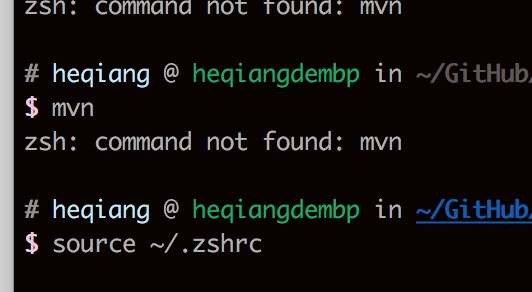
zsh is an excellent shell, but I encountered an issue where I had to manually execute source ~/.zshrc every time. When I opened a new terminal tab or restarted my machine, I had to run the source command again, otherwise it would report command not found errors.
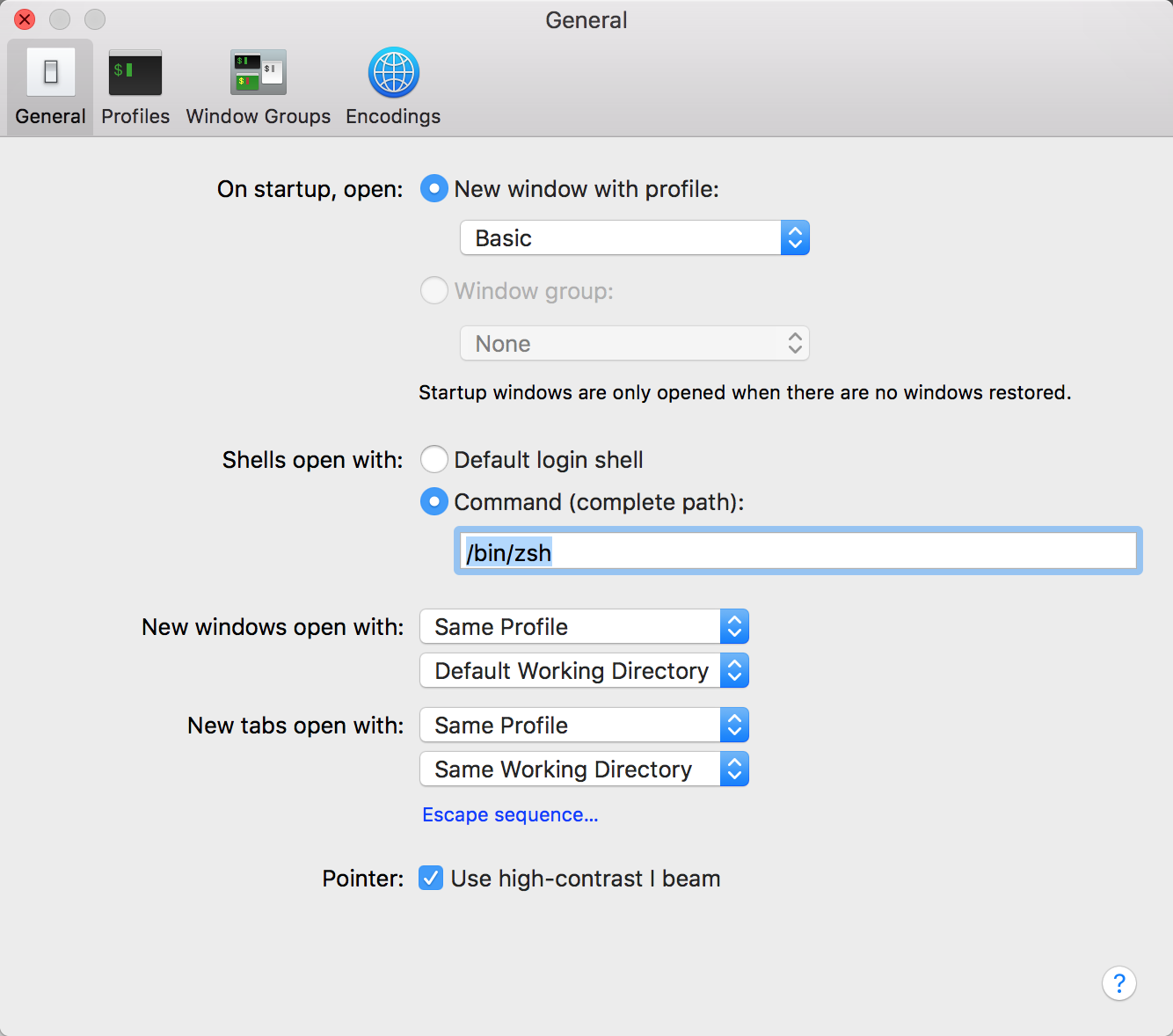
I deduced that the oh my zsh configuration file was not loading automatically.If this had to be done every time, it would be unacceptable. So there must be a solution - please read on.