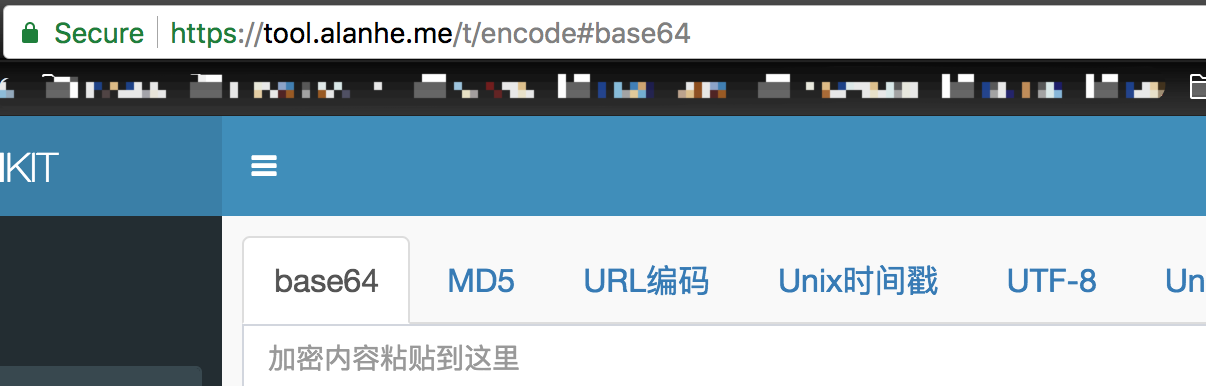
After setting up DNS, we achieved domain access to the web site. But the server IP was still visible, so users could access the site via IP. This creates two problems:
- If users access via IP and the server location changes, the IP changes and access fails.
- If someone maliciously points their own domain to our IP, they can also access the site. So we should disable IP access and only allow specific domains.
Specific configuration
Below is my Nginx configuration for a site https://tool.alan.me.
Configure a specific domain
server {
       listen       443 ssl;
       server_name  tool.alanhe.me;

        ssl on;
        ssl_certificate "/etc/nginx/ssl/fullchain.cer";
        ssl_certificate_key "/etc/nginx/ssl/tool.alanhe.me.key";
      ...
  }
Add default service configuration
 server {
        listen 443 default_server ssl;
        server_name _;
        ssl on;
        ssl_certificate      /etc/nginx/ssl/fullchain.cer;
        ssl_certificate_key  /etc/nginx/ssl/tool.alanhe.me.key;
        return       403;
}
After configuration, restart Nginx: nginx -s reload.
Effect
When accessing via IP: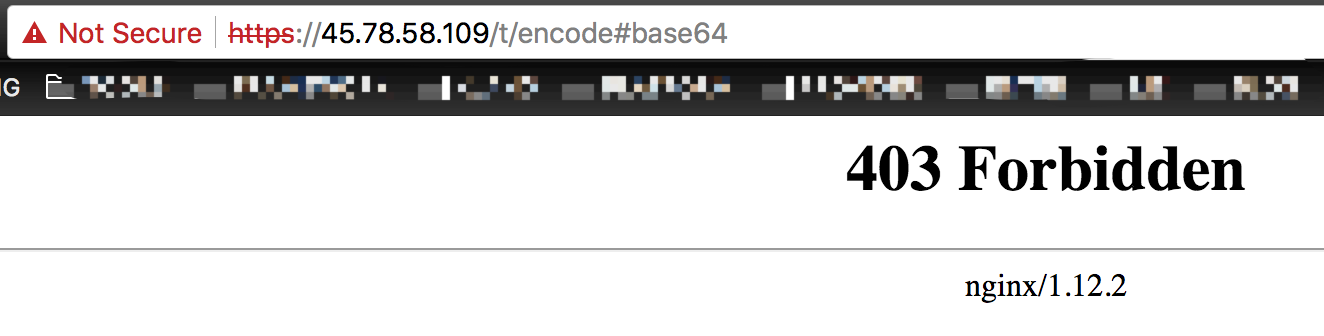
When accessing via the specified domain: