Recently my SS proxy stopped working, so I switched to the company VPN. But intranet domain services stopped working.
So I started investigating.
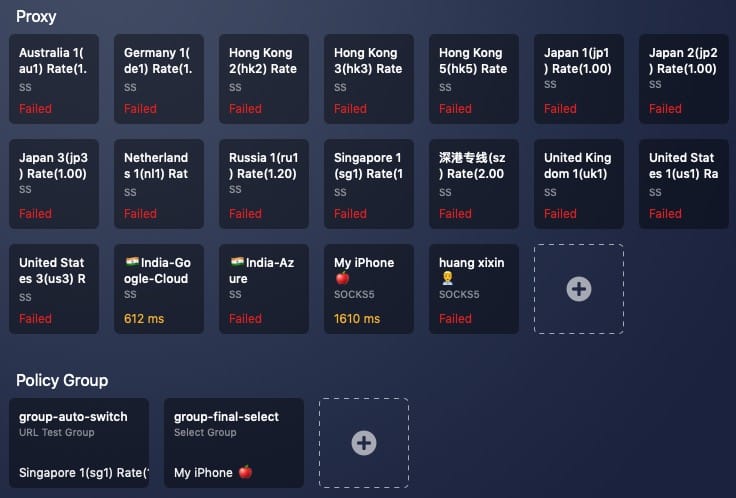
Why intranet domains fail over VPN
To solve it, we must understand why intranet domains fail under VPN.

Take Google as an example. We send a request to the proxy, the proxy resolves the domain to an IP, then requests Google and returns the response. The problem is the proxy cannot resolve our intranet domain IP. So the key is: how do we prevent those requests from going through the VPN proxy?
The answer is the hosts file.
hosts file
The hosts file is a system file that maps hostnames to IP addresses. It can supplement or replace DNS. Unlike DNS, users can control the hosts file directly.
Open hosts and you will see a record like:
127.0.0.1 localhost
Developers know this well. We often access local web projects via localhost, which is a domain. If DNS cannot resolve it, why does it work? Because this record exists. That implies hosts has higher priority than DNS - yes.
hosts vs DNS priority
The hosts file is still kept in operating systems, and its priority is higher than DNS. The OS checks hosts first; if not found, it queries DNS.
Solution
Now we can add intranet domain IPs to hosts. I recommend the app iHosts. For me, I only need these host entries when VPN is on, so I use an app to group and toggle them.
Find domain IP
Run ping in terminal. The screenshot shows baidu’s public IP.

Private IP ranges
TCP/IP reserves three private address ranges:
- 10.0.0.0/8: 10.0.0.0-10.255.255.255
- 172.16.0.0/12: 172.16.0.0-172.31.255.255
- 192.168.0.0/16: 192.168.0.0-192.168.255.255
Final Thoughts
Even without SS, the company’s stable VPN still allows me to use Google, so normal work and life are not affected.


