For React component debugging, besides the universal console, you can use react-devtools and Redux DevTools as auxiliary tools. Since teams always welcome new members, this is a brief summary for quick onboarding.
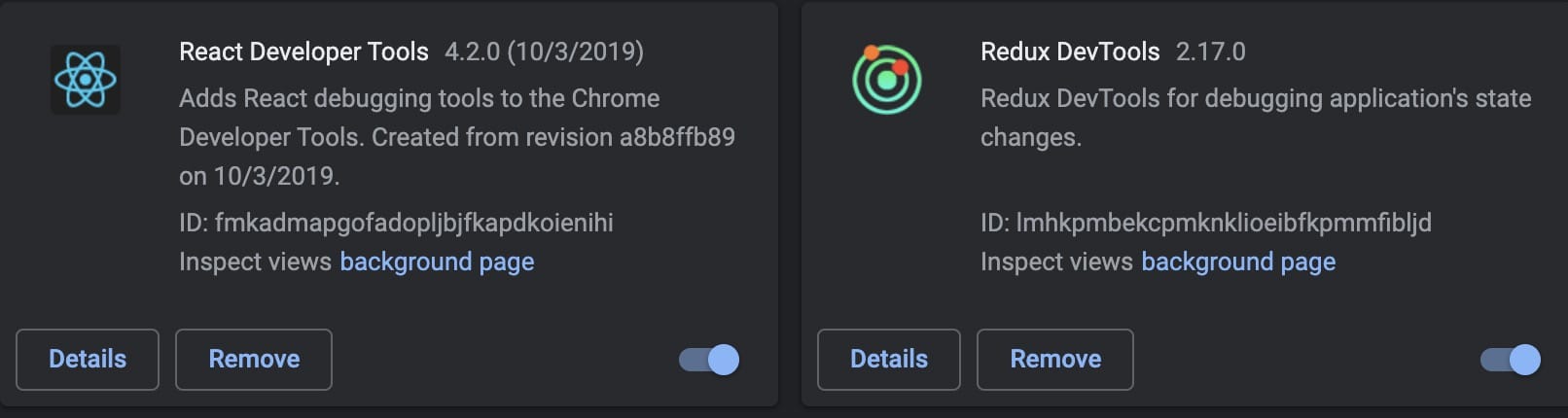
Plugin installation requires accessing the Chrome Web Store. If you still can’t access Google… well, I’d suggest you consider a career change. However, out of humanitarian concern, I’ll still explain how to install plugins when you can’t access Google.
Getting Plugins
https://crxextractor.com/ Enter the plugin store URL, click to download the crx file. Drag and drop it into Chrome to install.
react-devtools
react-devtools is an official plugin by Facebook. Source code here
In one sentence: The plugin is mainly used for React component structure analysis and component state monitoring.
Element Inspection
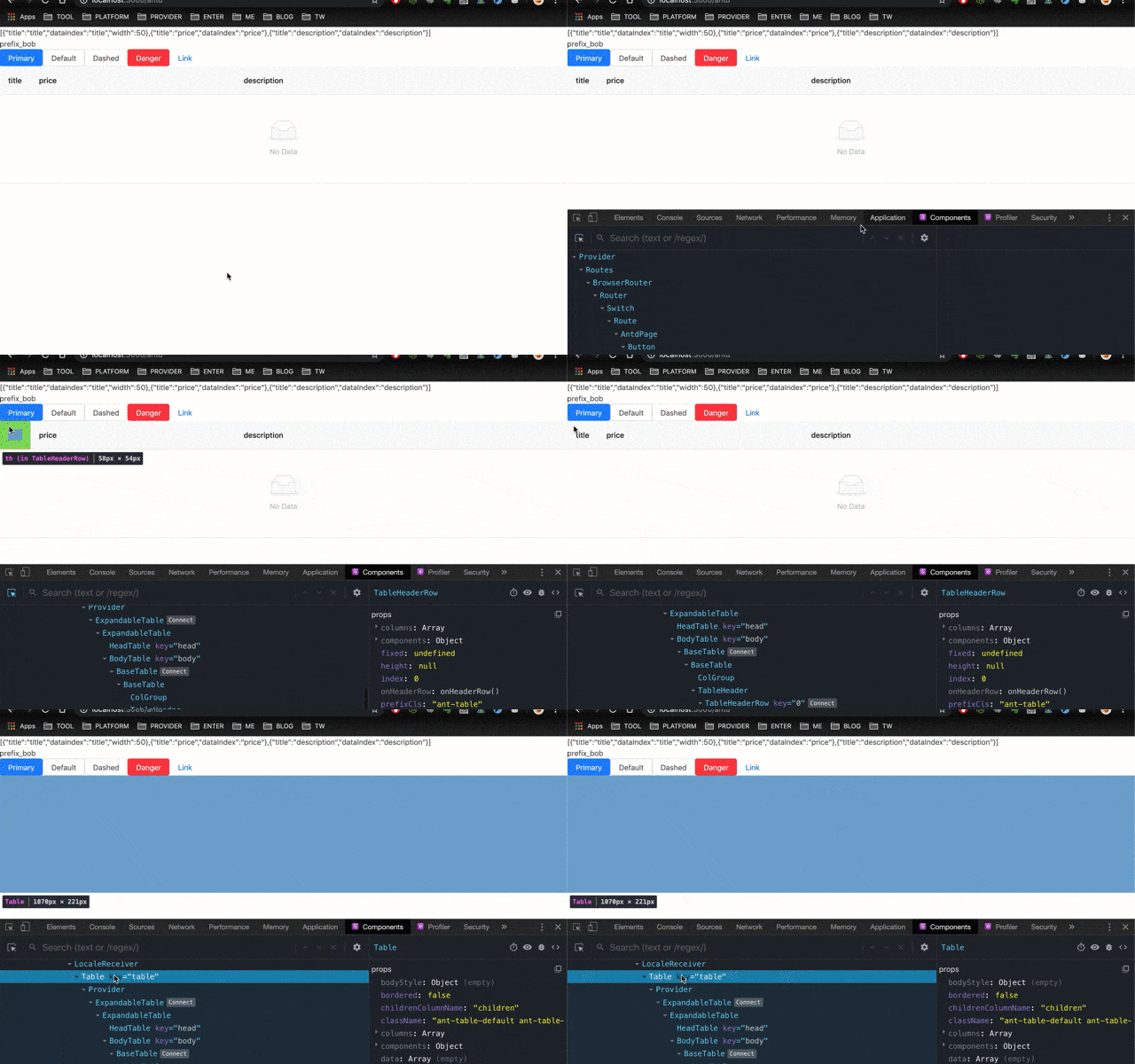
If the application is complex and we need to quickly locate the corresponding component code for a specific display content, then this feature is very useful.
Inspection Not Working?
Maybe inspection isn’t working due to the following reasons:
- webpack mode cannot be production - this mode compresses code, causing plugin inspection errors
Too Much Interference from Context and Host Elements
Add filter
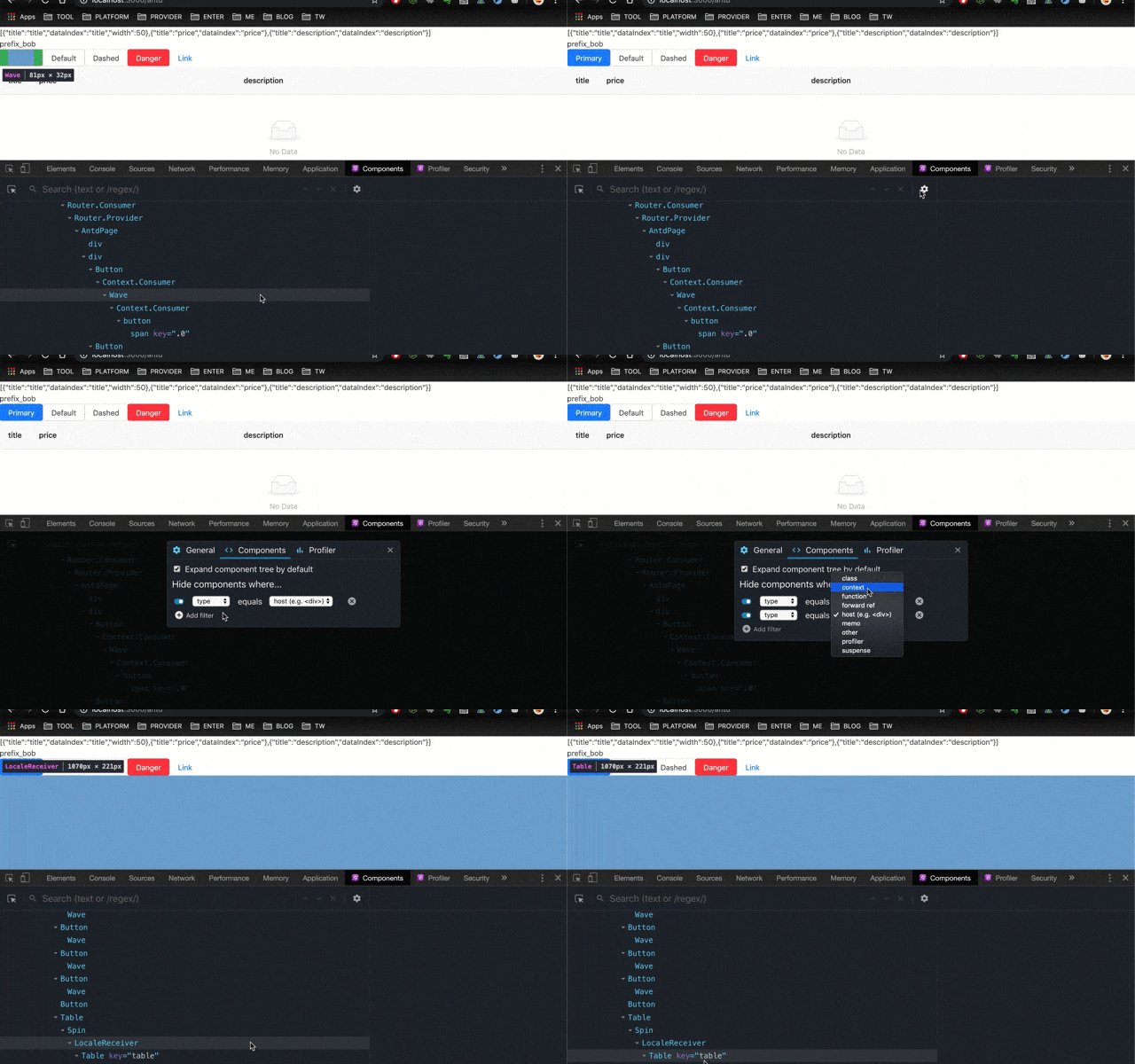
Redux DevTools
This plugin is used for Redux state inspection and debugging analysis. Of course, if the app doesn’t use Redux, this plugin isn’t needed.
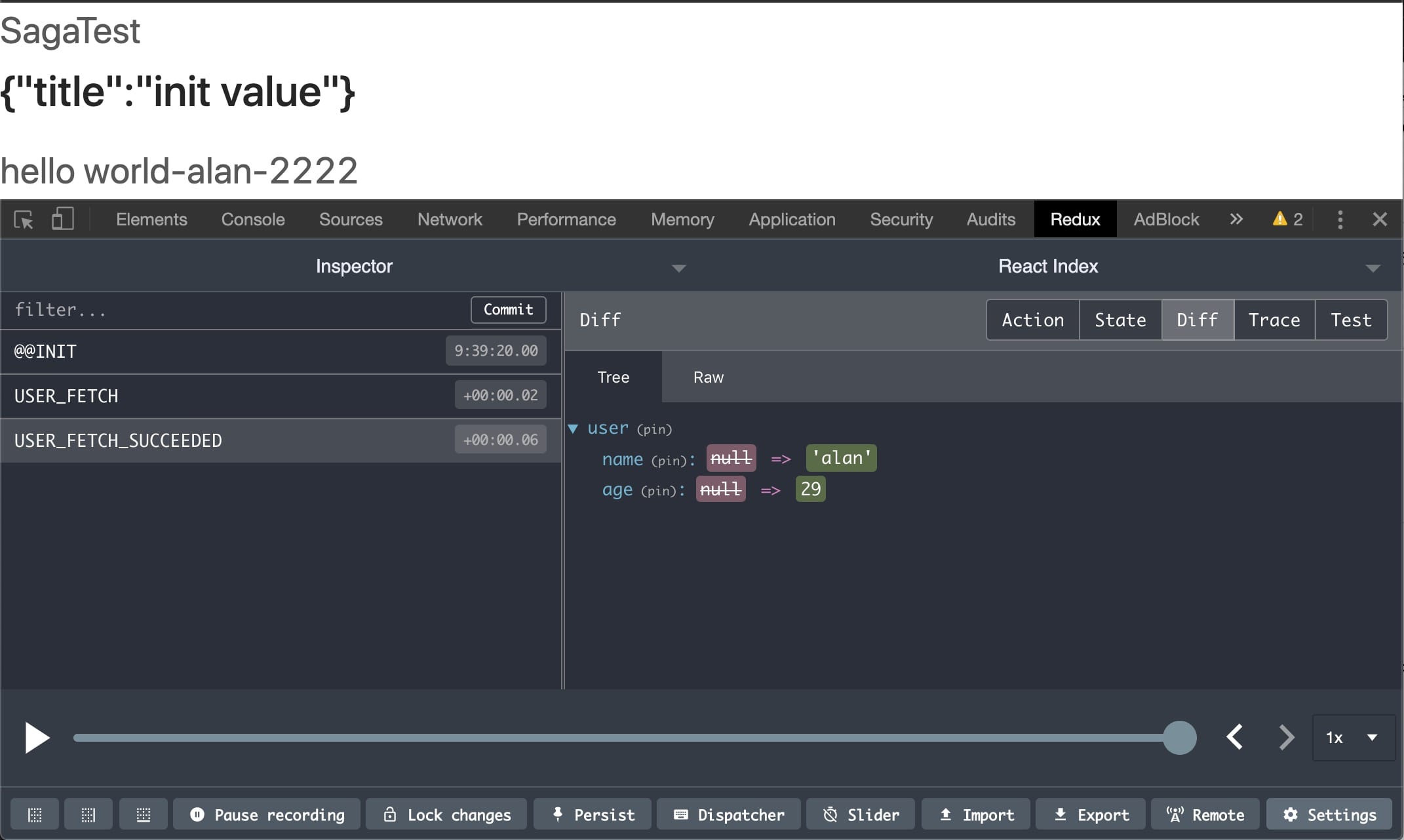
- The tab toolbar on the right, such as diff, helps view state comparisons before and after each action execution
- The bottom toolbar supports importing and exporting data like JSON
In one sentence: The plugin serves to help us debug and analyze the data flow of the Redux state tree.

