Today I spent some time researching Dash usage. Previous usage wasn’t systematic and clear enough. After adjustments and refinement, efficiency and productivity have been improved.
Note: Dash Mac version is paid.
Features
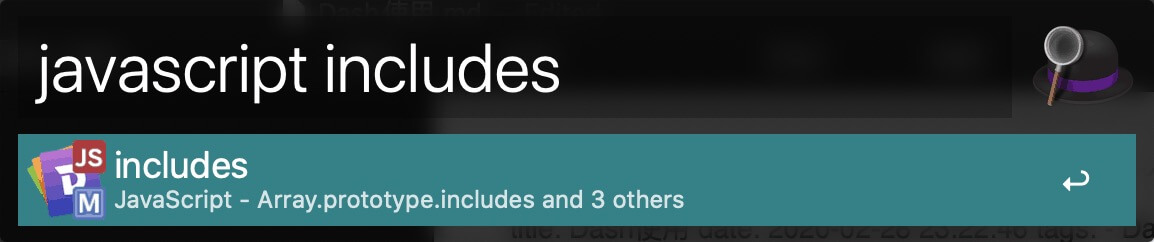
Query Language API
As a frontend developer, I frequently need to check HTML, JS compatibility, etc. With Dash, it’s very convenient to view these. Although it simply crawls MDN documentation, it does save a lot of search time.
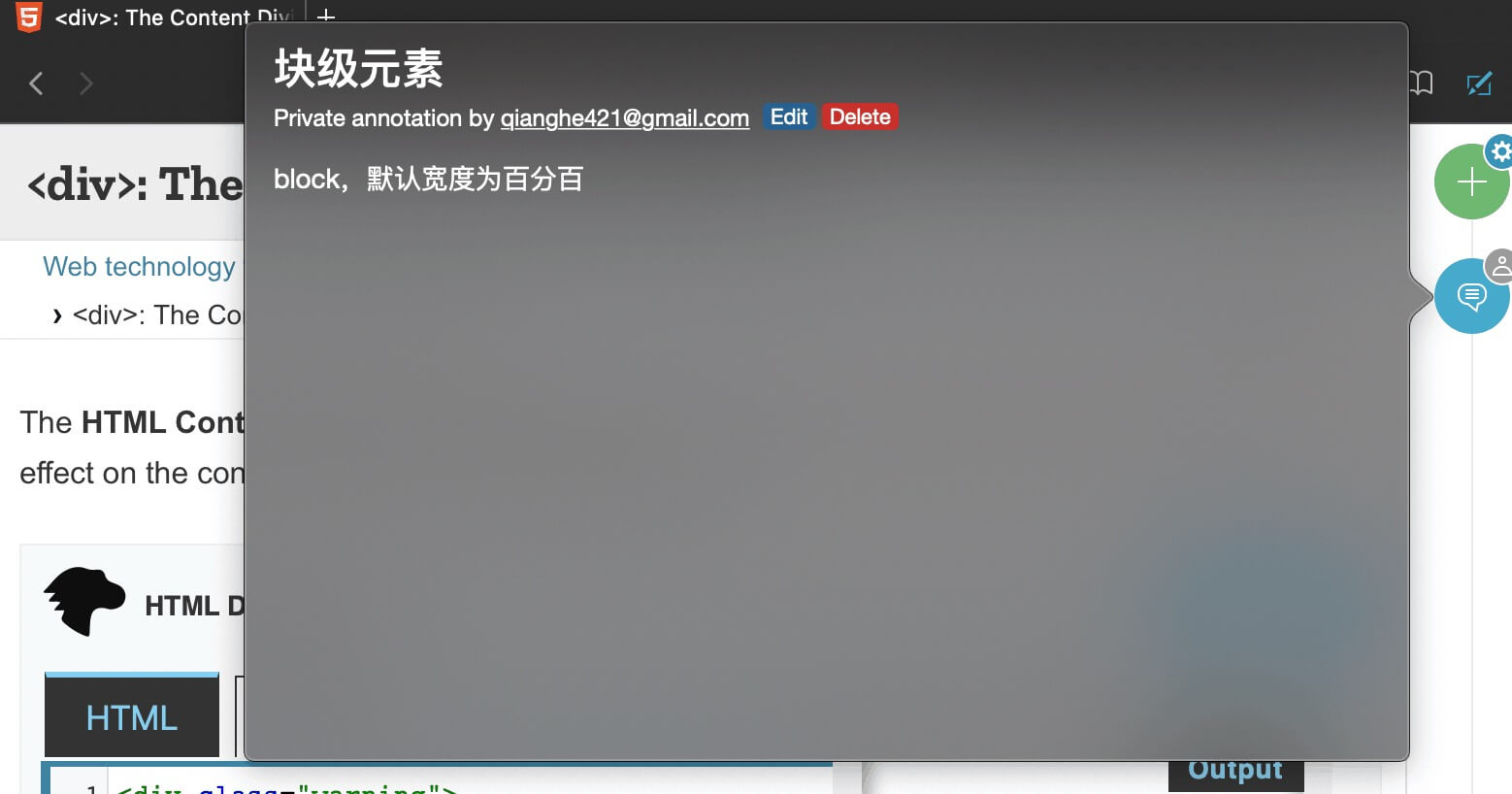
Annotation
Sometimes for certain details, you can add notes with your own understanding, just like taking notes while reading books.
SnippetThis feature is personally deprecated and not used.
Personal Practice
Regarding Snippet, I recommend using Alfred and system-level text replacement for management. Snippets are currently divided into two categories, both prefixed with ’t’, but dynamic ones go in Alfred, while static ones are preferably configured in text replacement.
t means text, text such as phone numbers, addresses, etc., can all be configured as snippets.- System text replacement will sync across all Apple devices.
- Alfred here can also be replaced with similar apps like Raycast.
Final Thoughts
- With the above design, code can be reused more efficiently.
- As the old saying goes, “If you want to do a good job, you must first sharpen your tools.” The purpose here is still to refine the tools and thereby improve productivity.

