Recently, while messing with Alfred’s hotkey bindings, I learned a term called “modifier keys” and looked it up to find out what keys they are. This made me realize that I don’t have a systematic understanding of basic keyboard layout terminology, so I searched and checked, and I’m marking it down here.
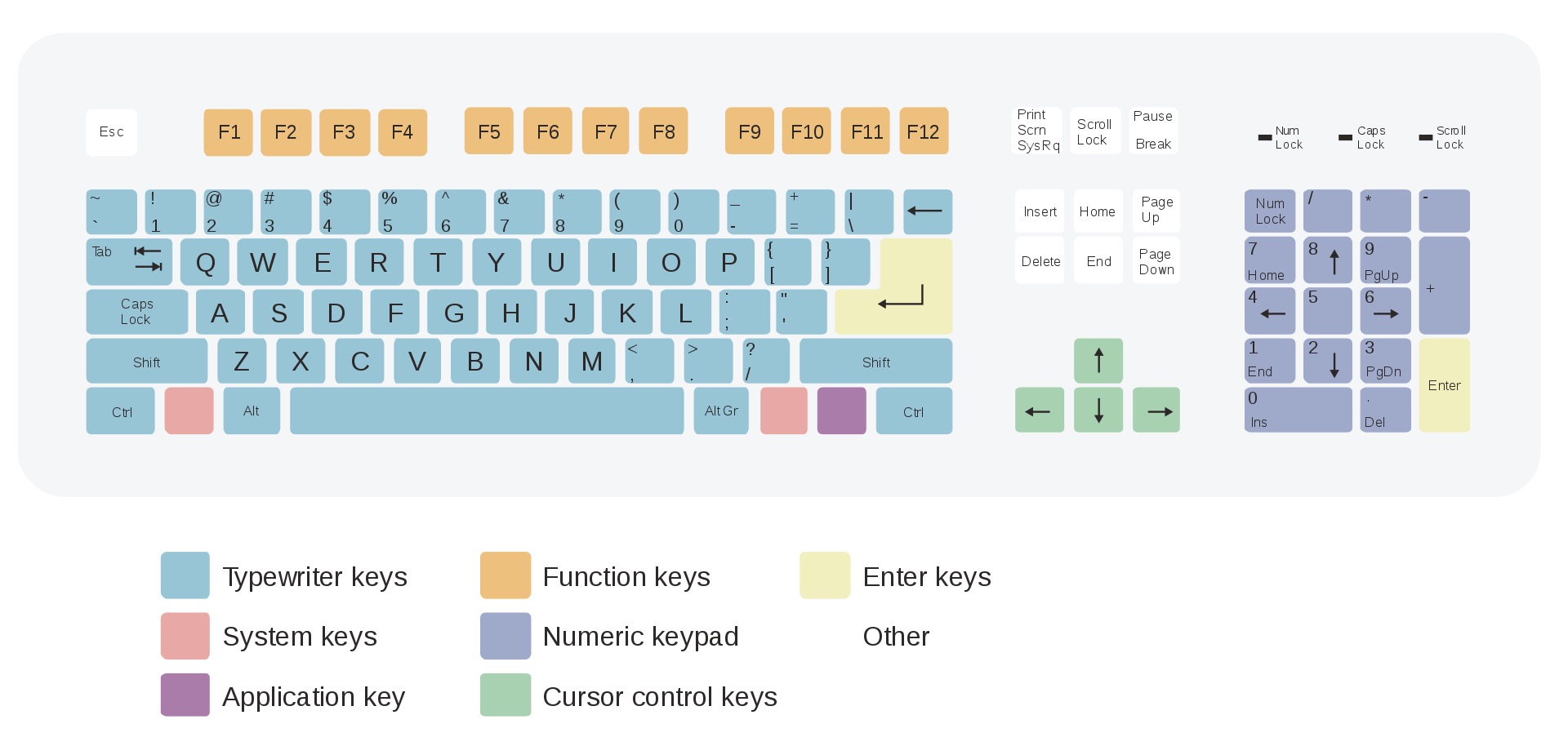
Modifier keys
Modifier keys are also called combination keys; these keys are used in combination with other keys to serve different functions.
- ⇧
- ⌃
- ⌥ Alt
- ⌘ Windows
Fn
Wikipedia records Fn as one, but I personally don’t think it counts in today’s systems. Fn is more commonly used alone or in combination with other keys.
Keyboard zones
I usually use the keyboard without thinking, but let’s look at the system structure of ⌨️:
- Typing area
- Numeric keys
- Alphabet keys
- Shift keys (shift)
- Symbol keys
- Space bar
- Backspace key
- Caps lock key
- Enter key (line feed key)
- Control keys (ctrl)
- Alt keys (⌥ Alt)
- Function key area
- The commonly known Fn key area
- Numeric keypad
- Num lock key
- Insert key
- Delete key
- Enter key (line feed key)
- Editing key area
- Arrow keys
- Insert key
- Delete key
- Home key
- End key
- Page up key
- Page down key
Notes
- Modifier keys belong to the
typing area - The main differences between 67-key, 87-key, and 104-key keyboards on the market are the removal of Fn function keys and numeric keypads.
My keyboard
Das Keyboard, 87 keys, red switches, no separate numeric keypad, simple and great…
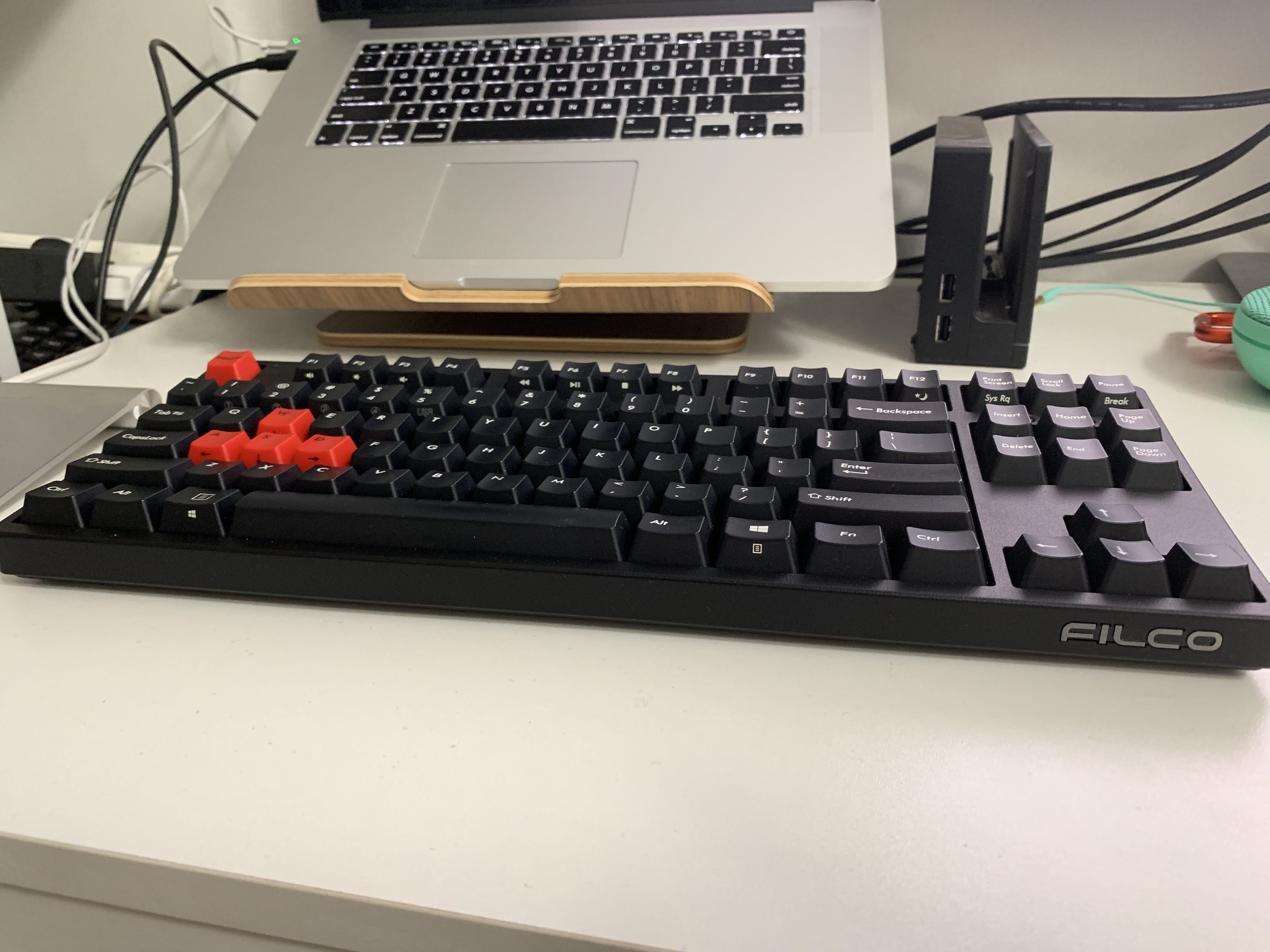
Don’t hesitate—you deserve it!
Karabiner
I recommend a keyboard customization tool that includes two parts:
Karabiner-Elements
Allows you to customize keys based on your keyboard.
Karabiner-EventViewer
Views key code, app, and other information.
Download here
Final Thoughts
Understanding the basic layout and key names of the keyboard has two benefits for me:
- It avoids obstacles in communication and information querying. For example, you now know what combination keys are.
- When using or developing software, you’ll have a better idea of how to design key bindings. For instance, you definitely wouldn’t design a feature like double-clicking “aa” to trigger an action because letter keys are in the typing area and used for high-frequency daily operations; their behavior shouldn’t be easily changed. However, using them in combination with modifier keys is very reasonable.