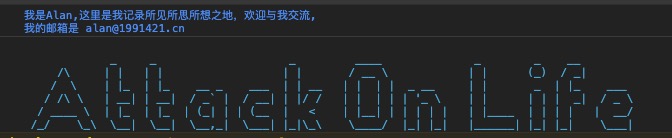
Technicians habitually check the webpage console, and we find that some web pages output some excellent console information, mostly recruitment ads in China. But I have always wondered how it is done.
I took time to study it over the weekend and mark it here.
Examples
Let’s show some examples.
For instance, Baidu
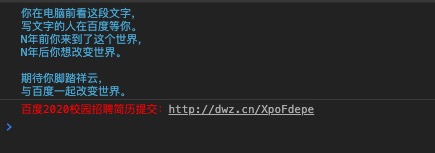
Or Zhihu
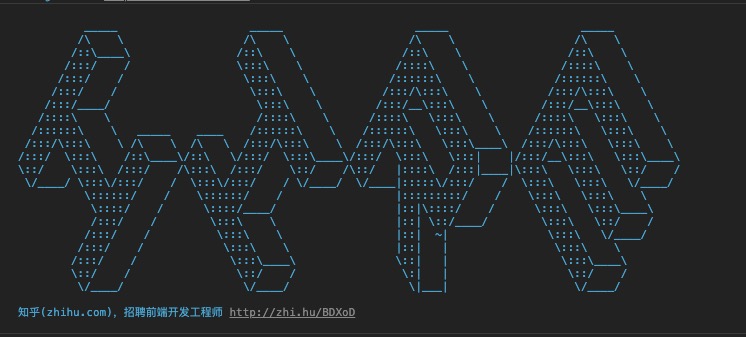
Seeing this raises two questions: How do we achieve the color style and text LOGO such as ASCII art? Surely, it’s not typed out manually.
How to
The console supports style output; specific configurations can be referred to here
For example:
console.log("%cThis will be formatted with large, blue text", "color: blue; font-size: x-large");For ASCII art like the “hire” text, you can use online services, or for image conversion; you can use this package to convert images to ASCII.
My Example
After understanding, I quickly implemented it on my blog platform, and the dull console instantly became more fun.