At a friend’s request, I implemented a workflow based on Baidu Translate API. Here’s a simple share of the process.
Translation Service
Since my friend specifically requested Baidu Translate, I chose Baidu. However, I personally prefer Google Translate as its translation quality is relatively better.
Using Baidu Translate service requires the following:
- Register a Baidu account
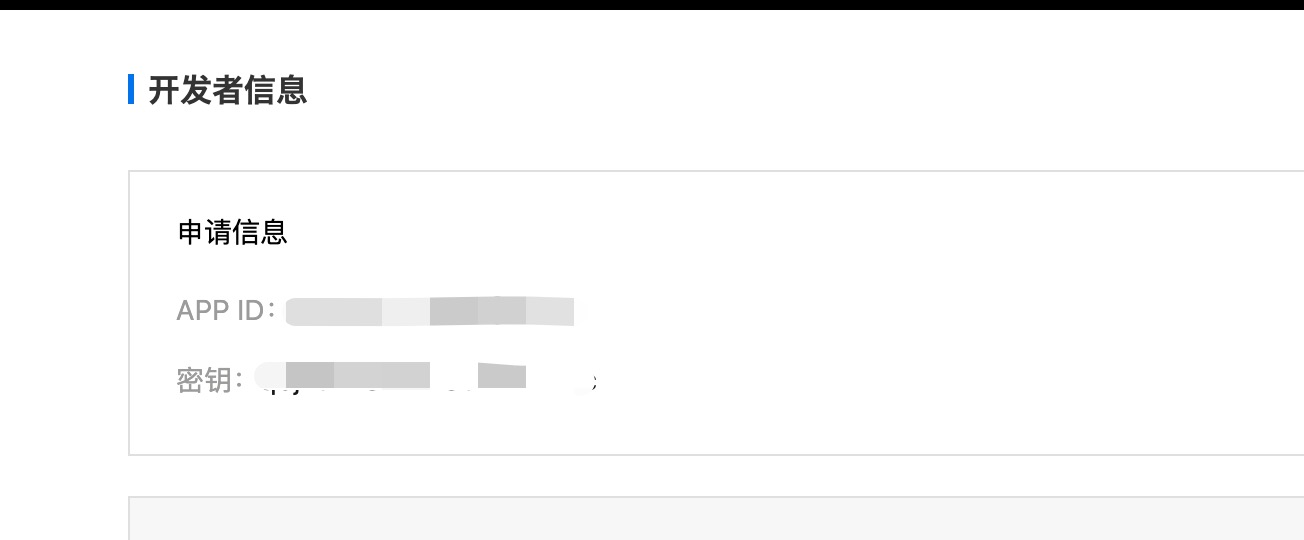
- Obtain APP ID and secret key, ensure the corresponding API service is activated
Activation URL: https://fanyi-api.baidu.com/product/113
Workflow Implementation
The entire implementation is simple - just request the API, get translation results, and display them in a user-friendly way.
If you’re interested, check out the source code. If not, just download what I’ve made.
Download link: Click here
Pitfall - 52003 Error
I encountered an issue during actual development, worth complaining about. Baidu’s poor quality is indeed well-known. According to the official API documentation, using POST throws an error, but GET works. I initially thought I was doing something wrong, checked the API several times, and after comparison found it was Baidu’s fault.
data: { error_code: '52003', error_msg: 'UNAUTHORIZED USER' }
Result

Final Thoughts
After all, it’s a free service, so if there’s instability, it’s most likely Baidu’s issue.

