Switching Surge modes always felt clunky: mouse to the menu bar, click, click again. AppleScript GUI automation was an option but too cumbersome. When Surge Mac 4.0 shipped with an HTTP API, I saw my chance to automate it via Alfred. Thirty minutes later, I had a workflow.
Pricing
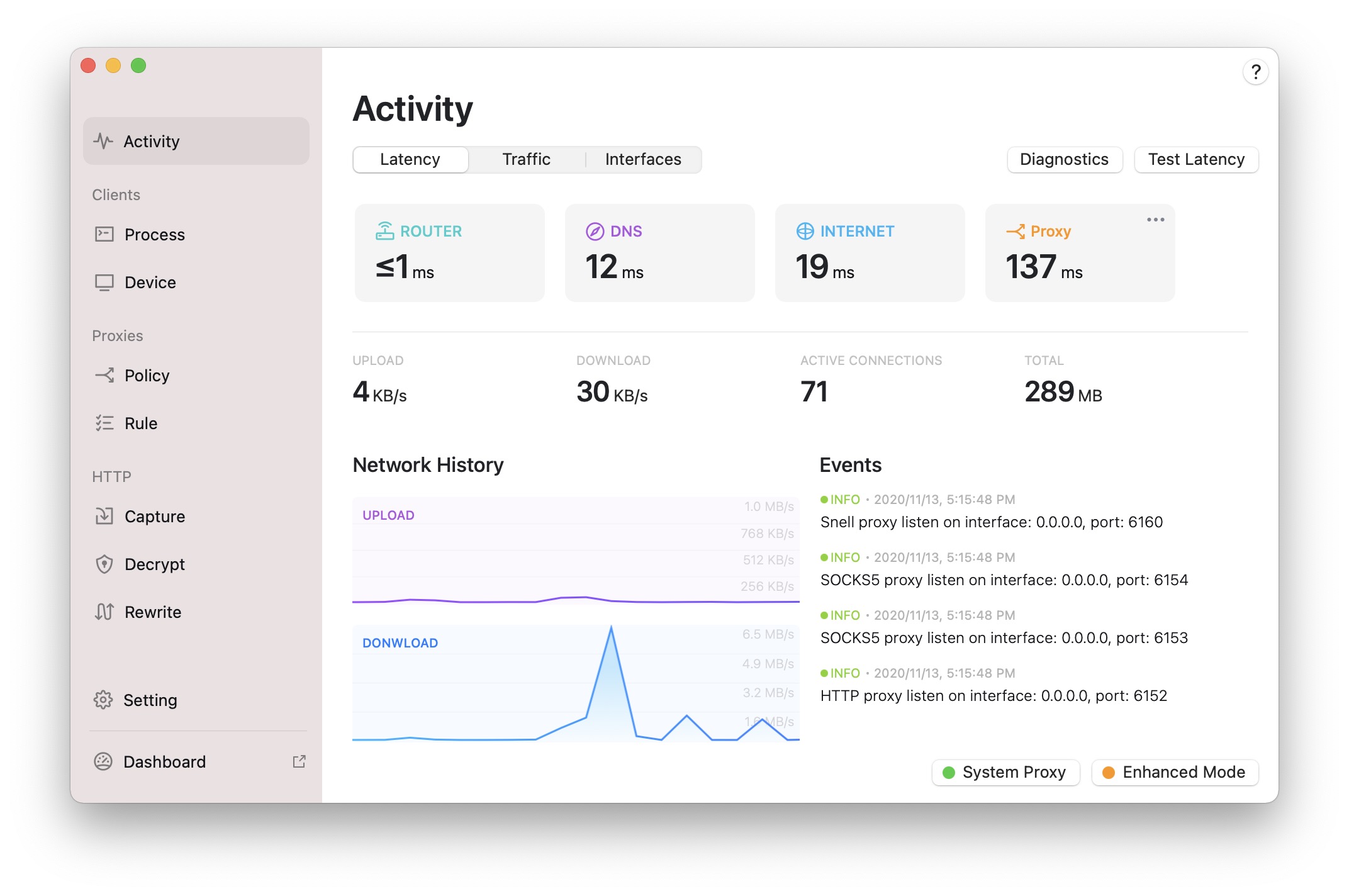
I skipped my old upgrade path and bought a fresh single-device license for Surge Mac 4.0 ($39.99, with a limited-time 20% discount at the time). Full pricing lives on the official site.
Building Blocks
- Surge Mac 4.0.0 / iOS 4.4.0 introduced the HTTP API.
- Alfred workflows can run shell scripts; I used Node.js for convenience.
Implementation
- Enable the HTTP API in Surge:
http-api = examplekey@0.0.0.0:6171 - Call the API from the workflow with JavaScript/Node.
Demo
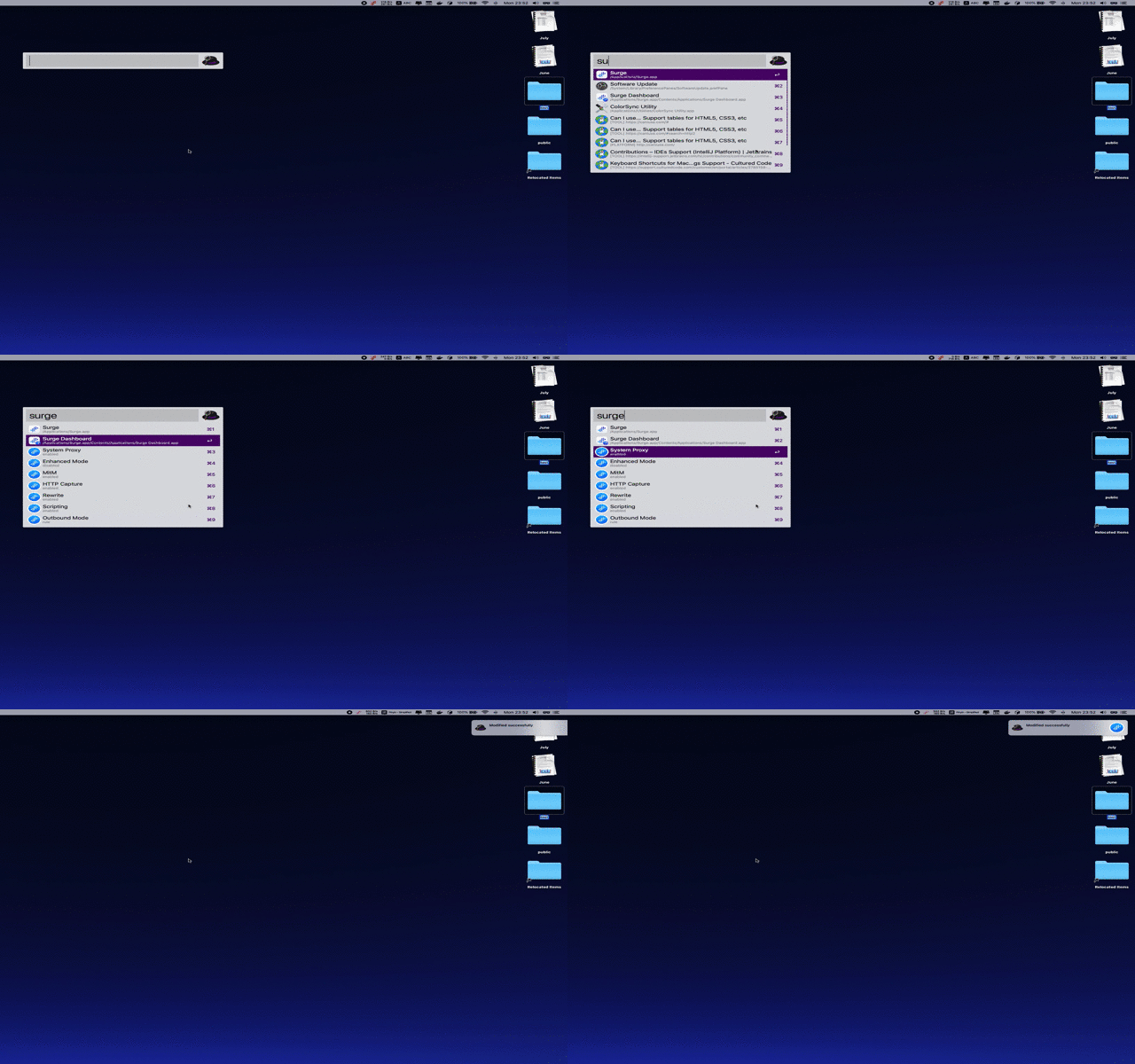
Download the workflow here.
- No more mousing around—keyboard-driven toggles feel right at home.
- The author hinted at even more APIs coming; can’t wait.
Limitations
- The API is still growing. For instance, there’s no endpoint (yet) to query the active profile.
Closing Thoughts
With this setup I can flip Surge modes instantly—perfect for keyboard-centric workflows.