I’ve always liked the Touch ID and Apple Watch unlock experience on Mac, but as a developer, I frequently use shell sudo in daily work, which also prompts for Mac password. So I wondered if Touch ID and Apple Watch could also be used for authorization. Surprisingly, it’s indeed possible.
Configuration Method
Note: Since I want to support both Touch ID and Apple Watch, I’ll install the following two libraries. If you only need one, install the target library and configure accordingly.
Download these two repositories, recommended via Git Clone
install package
Execute in each repository directory
$ sudo make installEdit sudo configuration to enable authorization
$ sudo vi /etc/pam.d/sudo
Add the following configuration at the beginning

```bash
$ auth sufficient pam_touchid.so "reason=execute a 	command as root"
$ auth sufficient pam_watchid.so "reason=execute a 	command as root"
Execute `wq!` to save
## Notes
1. Don't forget the `sudo` in the above command
2. After configuration modification, it takes effect immediately, no need to restart terminal or execute other commands
2. The order of authentication authorization in the configuration file is important, recommended as above. Personally, I think Touch ID is more efficient than Watch ID when the laptop lid is open, since hands don't need to leave the keyboard
3. If Mac is in clamshell mode, it will naturally switch to the next authentication method, such as password
4. This configuration directly works with sudo, independent of terminal app type, so iTerm2, IDEA terminal all work
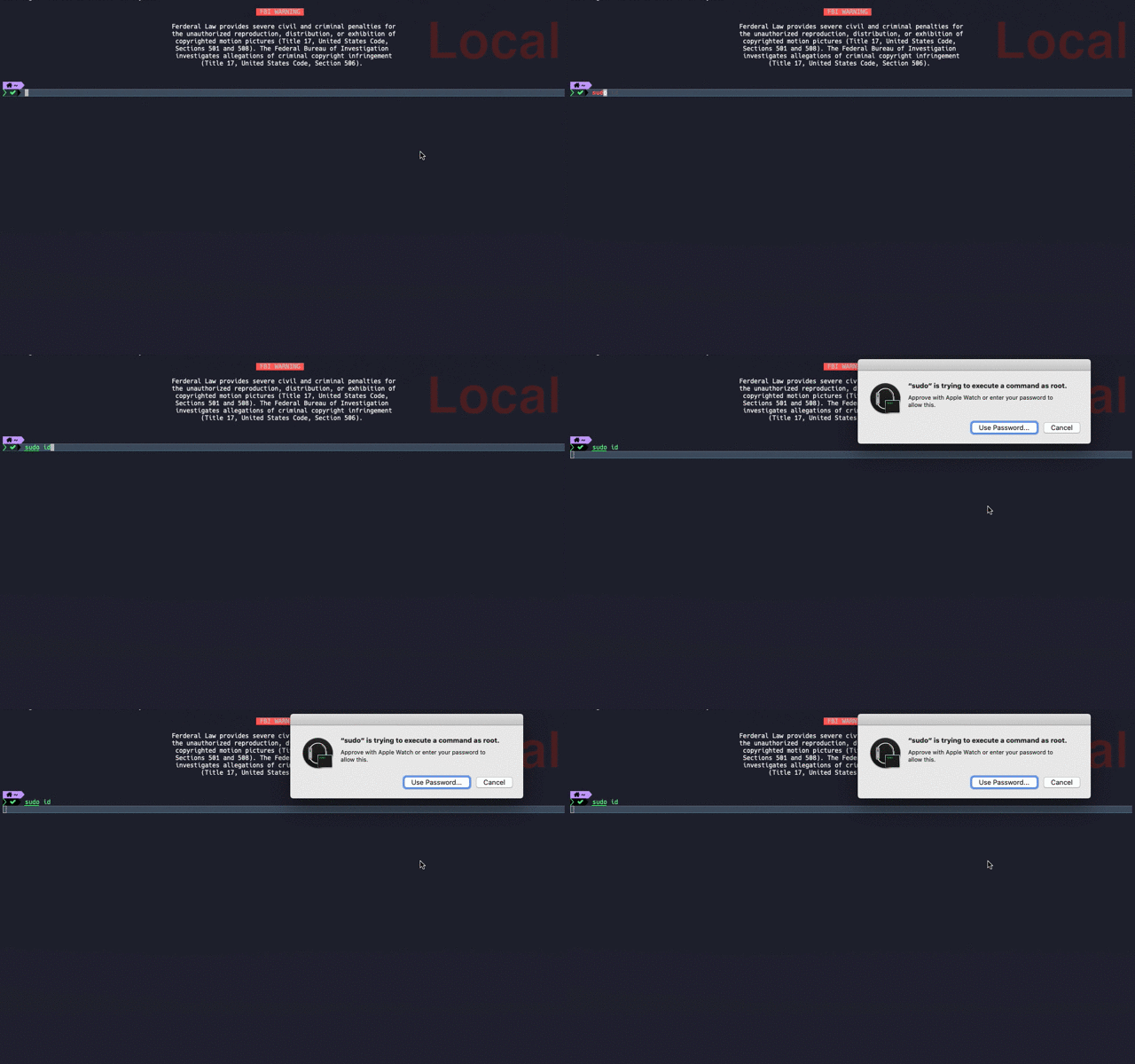
## Result
## PAM Introduction
Curious why modules all have PAM prefix, I looked it up. PAM stands for [`Pluggable authentication module`](https://en.wikipedia.org/wiki/Pluggable_authentication_module)
> An authentication mechanism proposed by Sun,
by providing some dynamic link libraries and a unified API, it separates system-provided services and their authentication methods, allowing system administrators to flexibly configure different authentication methods for different services as needed without changing service programs, and also facilitates adding new authentication methods to the system.
That's enough...
## Final Thoughts
With the above setup, it's much more convenient. But also note, securely record Mac password, there will always be scenarios where input is needed.


