It’s been a while since I last updated an Alfred Workflow article, so here’s a recent small development.
During work, I often enable Mac’s Do Not Disturb mode to focus on coding and avoid bombardment from high-frequency messages like WeChat/QQ. However, I need to turn it off after work. Moving the mouse to the right side to turn it off is inefficient, and setting up hotkeys requires memorizing complex combinations. Neither of these approaches feels programmer-like, so I created a workflow for quick toggling.
Effect
Type ‘disturb’ and press Enter to toggle.
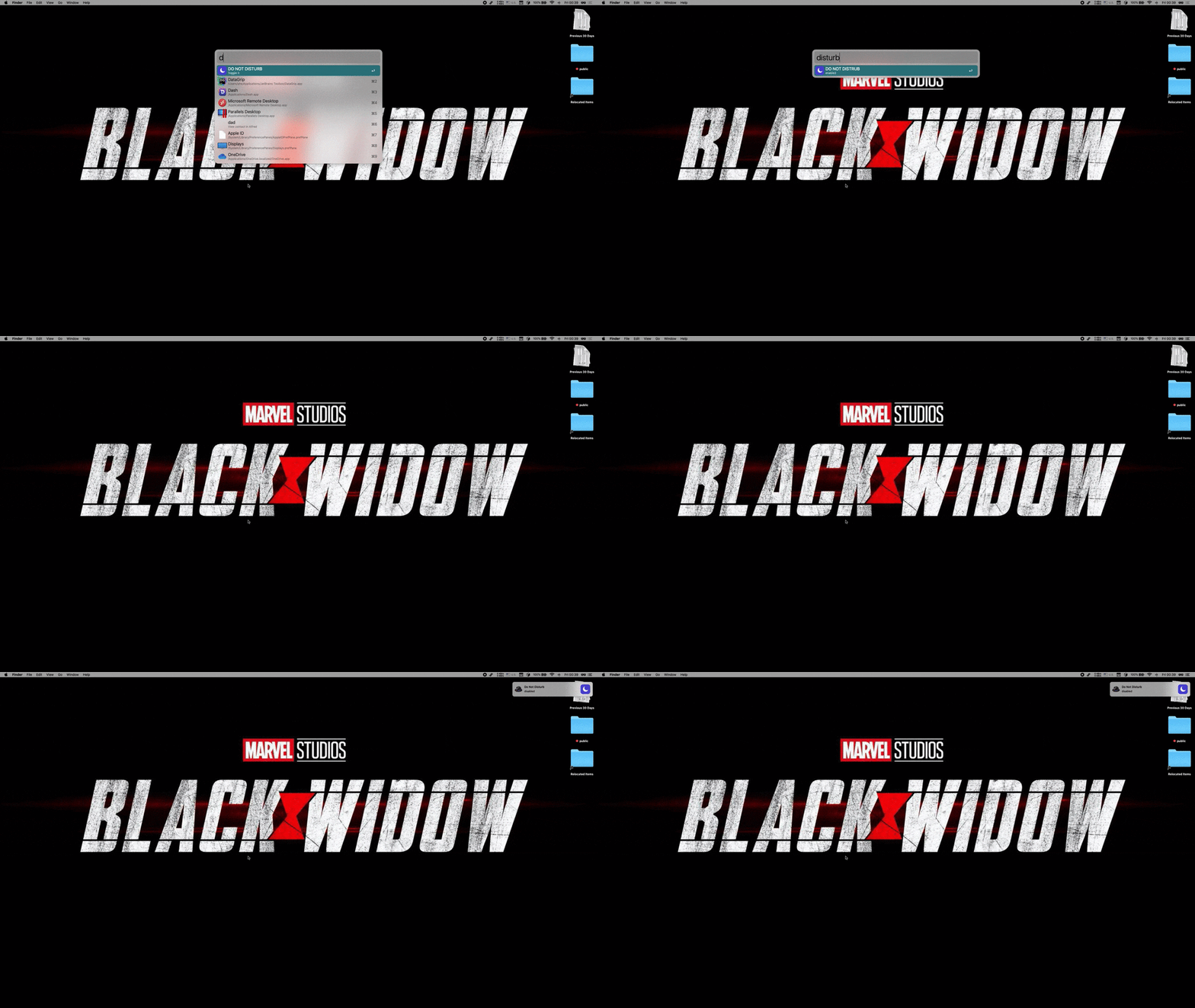
Workflow download link, click here
Implementation Details
After searching online, I found that neither AppleScript nor Shell offered reasonable solutions. Finally, I discovered this package @sindresorhus/do-not-disturb, which allowed implementation with just a few lines of code.
Looking through the source code, the underlying implementation is in Swift, with only JS-style calls exposed externally.
At the end
Now, I can toggle it nicely without leaving the keyboard.

