After an update, the
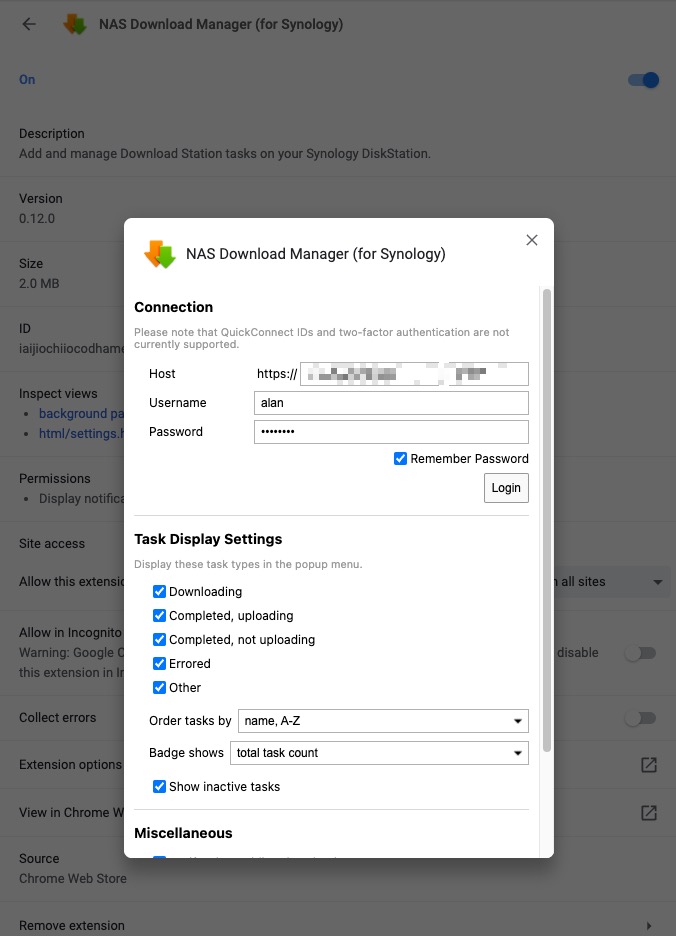
NAS Download Manager (for Synology)Chrome extension only accepted HTTPS URLs, but my NAS download service was still HTTP-only. Instead of reconfiguring the NAS, I solved it client-side.
Solution: whistle
whistle can proxy HTTPS traffic and issue its own certificates, which lets us downgrade the request.
Configure whistle and your Chrome proxy extension so requests are intercepted. Follow the official docs:
- Enable HTTPS in whistle.
- Install and trust the root CA certificate.
- Use an extension such as SwitchyOmega so Chrome goes through the whistle proxy.
Add a rule that rewrites HTTPS requests to HTTP, so whistle forwards them using plain HTTP:
# NAS service endpoint
/https(://110.100.176.222:50098.+)/ http$1
With that rule active, paste the URL into the download extension and it will work.
Final Thoughts
You could also enable HTTPS directly on the NAS. This post focuses on the client-side workaround via proxying.

