On Mac, Alfred already boosts efficiency. On iPhone, the official Shortcuts app can also help. Here are some workflows I use.
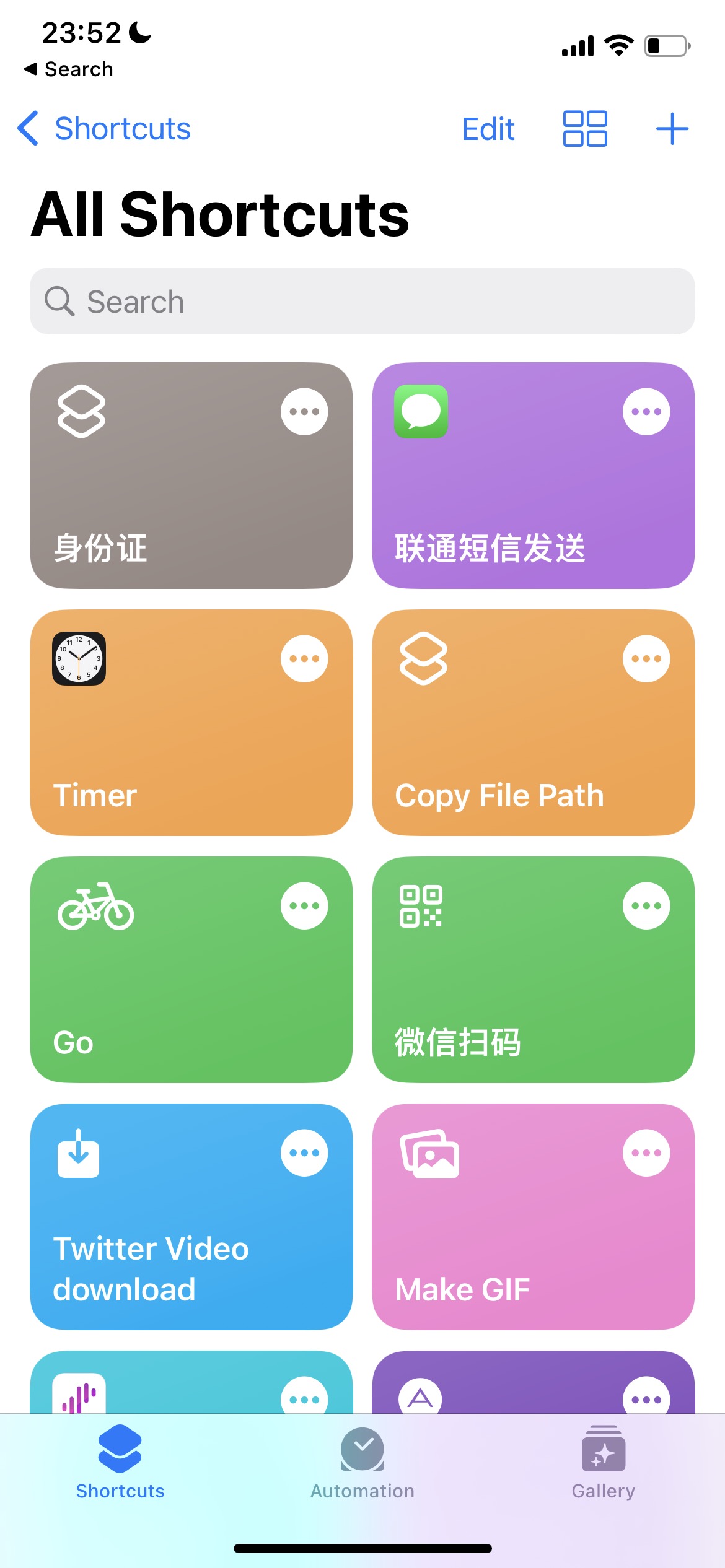
Common shortcuts
Quickly open ID document
- I renew every three days for health checks. To make it easy, I store my ID file in iCloud and use a shortcut to open it. I avoid Photos because it contains personal pictures, and ID info is sensitive. So I store it as a file instead.
Unicom SMS quick send
- For common SMS like points redemption, I add them as options and trigger send directly.
Quickly open cycling workout (Go)
For daily commuting, I want to quickly open Workout -> Cycling. I built a shortcut for that.
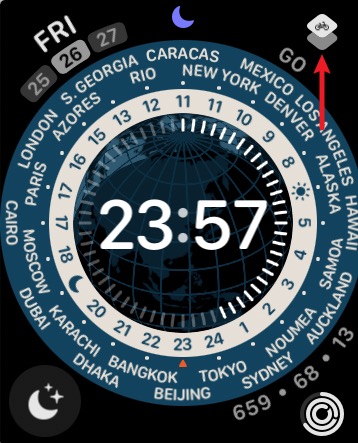
I also show it on Apple Watch and place it prominently on the watch face for one‑tap start.
Make GIF
To enrich WeChat stickers, I often record short videos and convert to GIF with one tap. Then in WeChat, long‑press to add as a sticker.
WeChat scan
This simply opens the WeChat scan URL scheme:
weixin://scanqrcodeI summarized a list of common app URL schemes here
AirDrop latest image
Sometimes after saving an image, I want to send it to another device without searching in Photos.
ChatGPT Chinese‑English translation
- Requires the ChatGPT iOS app
- Install
etc.
Notes
- These workflows are based on my own needs and are not universal. This is more about ideas; build your own based on your use cases. The barrier is low.
- What Shortcuts can do depends on the host system (iPhone/Mac, etc.) and the capabilities exposed by apps. Understand the limitations.


