Update
YouTube India/Turkey are now geo‑locked and require locally issued bank cards. If you have a card, continue with the tutorial; otherwise consider a family plan with others.
Watching YouTube is a high‑frequency activity for me, but the free tier has too many ads. Surge/AdBlock helps but has side effects, so I opted for a paid membership.
Membership pricing varies by region. India is quite affordable: personal plan (
₹129 ≈ ¥11.23 RMB)/month. Purchasing via India has hurdles - here is my process.
Prerequisites
VISA dual‑currency cardfor payment- Indian proxy with a native IP
- Google account
Indian proxy
If you already have an Indian proxy, skip this. Otherwise, rent an Indian cloud VM.
Rent an Indian VM
Recommended providers with per‑minute billing:
- Vultr
- DigitalOcean
Not recommended
- lightnode - IP may still be recognized as HK
Set up the proxy
- If you use Surge, prefer SSH proxy; if it doesn’t work, configure a proxy chain.
- If SSH proxy isn’t supported, set up a proxy manually: https://alanhe421.github.io/v2ray-docker
After setup, confirm your public IP geolocates to India.
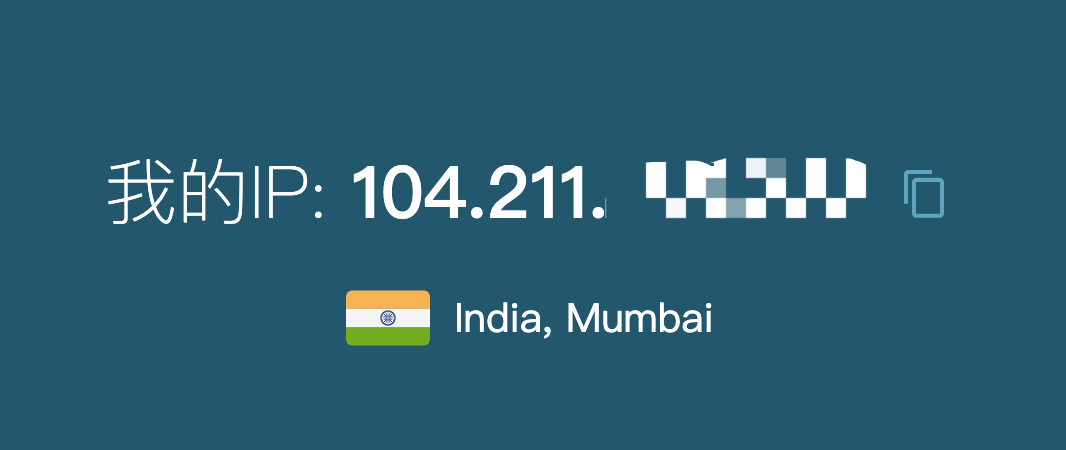
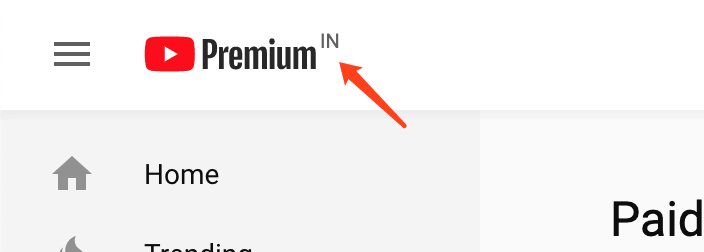
Visiting YouTube should show “India”, and membership pricing should be in INR.
Payment
Once you’re on an Indian IP, you can subscribe and pay. Updating payment methods later isn’t strictly tied to Indian IP (e.g., HK IPs worked); the Indian IP is mainly needed for activation.
Change Google account country/address
https://pay.google.com/gp/w/u/1/home/addressbook
Join a YouTube family plan
If you’re joining a family plan, note: for Indian memberships you need to click the activation link under an Indian IP, otherwise activation fails.
Premium benefits
My must‑have reasons for Premium:
- No ads
- Background playback
Final Thoughts
YouTube Premium is worth the hassle.


