The ChatGPT free version is sufficient, but Plus benefits are also tempting. Recently I’ve seen everyone gradually opening Plus, so I hurried to catch up.
Here I’ll note the subscription process.
0706 Update
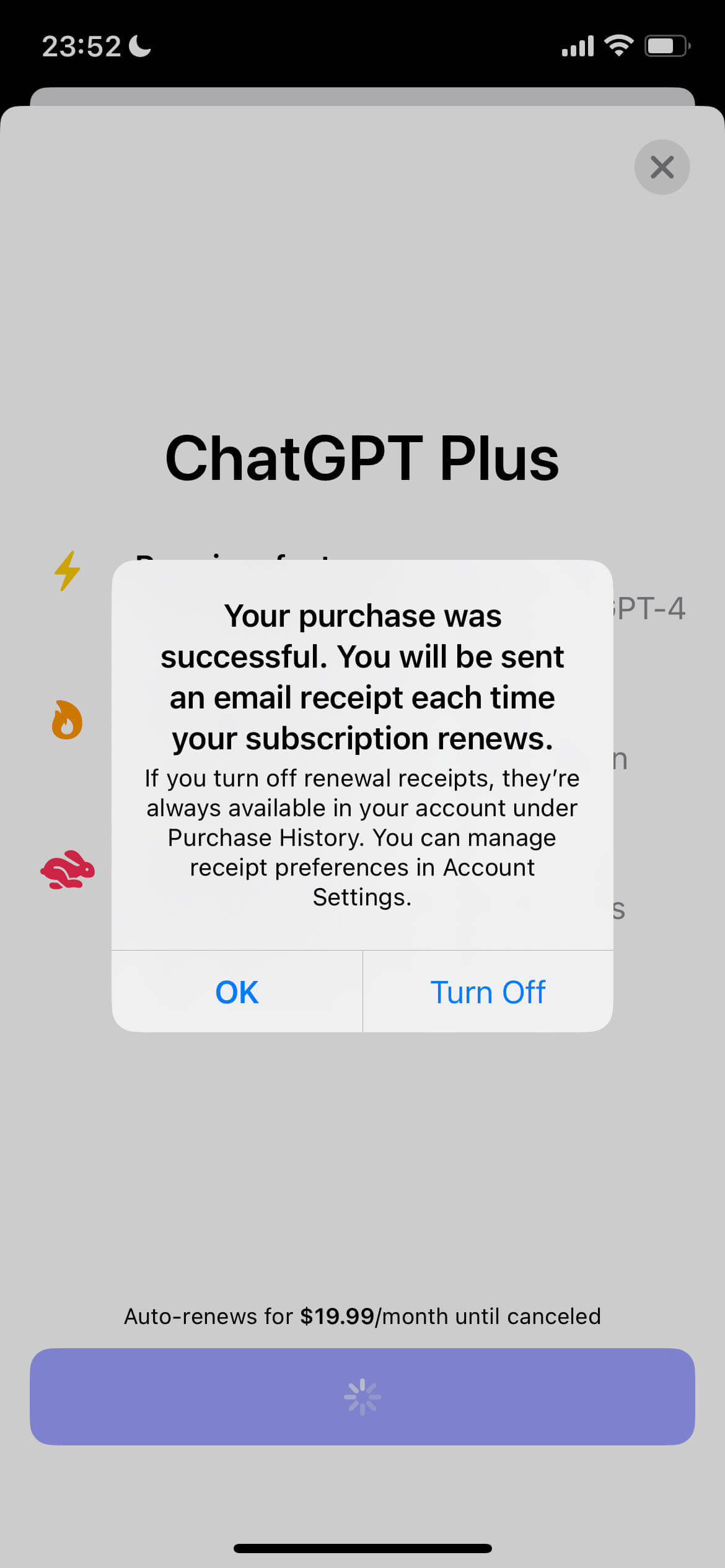
- Currently Plus is recommended through iOS Turkey region store subscription. Turkey region Apple ID top-up can use official gift cards.
- For
OpenAI API, it is still recommended to use US cards. It is not recommended to top up too much with nobepay due to potential risks.
Plus Benefits
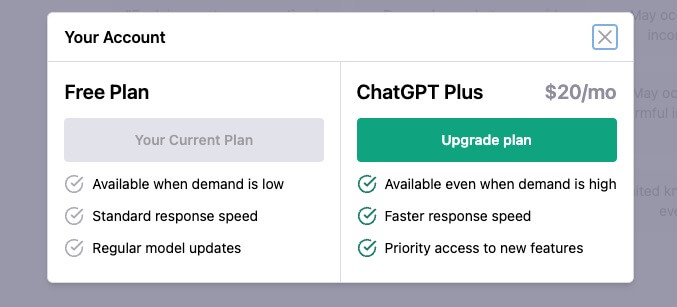
According to the official introduction, Plus has the following benefits:
- Can use ChatGPT even during peak hours
- Faster response times
- Priority access to new features and improvements, such as
GPT4 Model- GPT4 limitation: GPT-4 currently has a cap of 25 messages every 3 hours.
For detailed introduction see https://openai.com/blog/chatgpt-plus#ref-A
Prerequisites
- OpenAI account registration, guide see Using ChatGPT
After normal access, continue reading.
Getting Plus Payment Eligibility
Payment is not available to everyone.
Waitlist registration
https://share.hsforms.com/1_-FpF2GTRJORIb83N3aK7Q4sk30
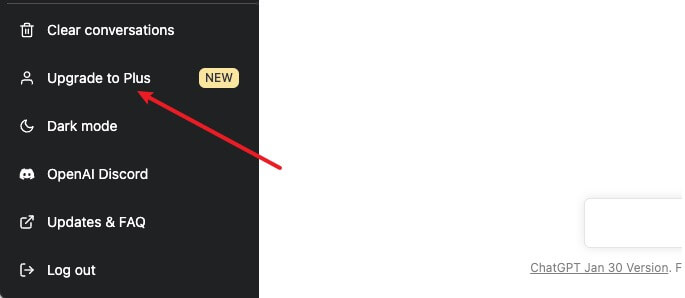
After success, when accessing ChatGPT, there will be an
Upgrade to Plusbutton in the bottom left corner, or a direct popup prompting for upgrade.If upgrade options are prompted, you can continue.
Opening a US Card with nobepay
After actual operation, the nobepay solution is recommended because Alipay direct CNY top-up is more convenient.
Visit registration address https://nobepay.com/app/login?type=azmzep&code=D3BFA23
Invitation code is required. If it expires or fails, contact me in comments.
- D3BFA23
WeChat number: fill in truthfully
Phone number: fill in truthfully, convenient for receiving verification codes
Overview page - Online recharge https://nobepay.com/app/online-recharge
- nobepay recharge requires at least
500 CNY. I chose the minimum 500 CNY in case the service goes down. - 500 CNY can later be withdrawn on the online recharge page - apply for withdrawal
- nobepay recharge requires at least
Quick card opening, https://nobepay.com/app/card-open
- Actual testing shows
556766card segment can open Plus later - Recommend topping up 30 dollars
- Virtual address recommended https://www.meiguodizhi.com/
- Choose any tax-free state.
The US has 5 tax-free states: Oregon, Alaska, Delaware, Montana and New Hampshire, fill in these addresses to avoid paying taxes later. Note that the virtual address can be edited again later.
- Choose any tax-free state.
- Card closure balance will be refunded. Opening fee 1 dollar is non-refundable.
- Actual testing shows
Check card information
- After successful card opening, in https://nobepay.com/app/card-list, click card - manage - view card to see details.
Total cost: Opening fee (1 dollar) + top-up amount + service fee (3%)
Note: nobepay US cards do not support Apple business payments, such as Apple Store subscriptions.
Withdrawal
- Wallet balance supports withdrawal:
Overview => Online recharge => Apply for withdrawal - Handling fee
10 CNY
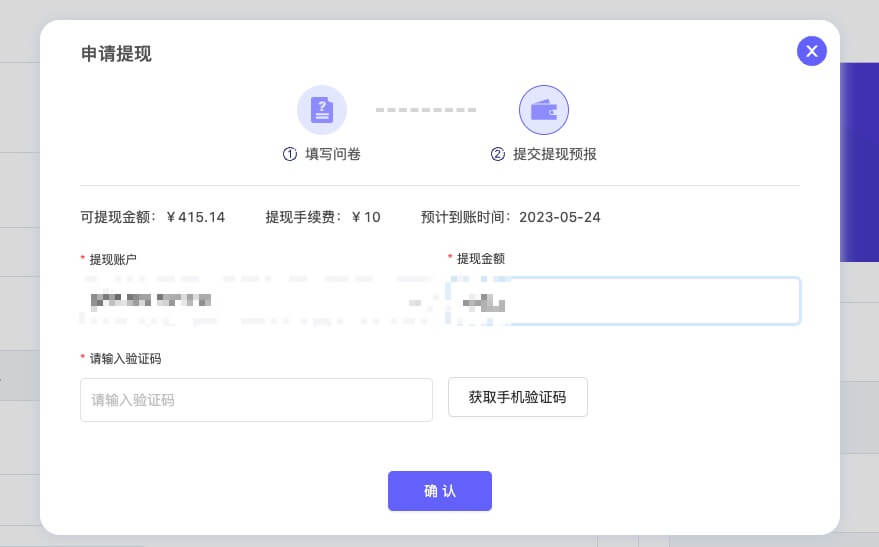
If prompted Sorry, withdrawal function is under maintenance, please contact platform online customer service with registered phone number for processing
Then contact customer service for assistance with withdrawal.
Only supports regular account (RMB) balance withdrawal, no handling fee for withdrawal. Please provide registration phone number/account balance/withdrawal amount/Alipay account/Alipay name/Alipay payment QR code. All the above information will be registered for you, and it will arrive within 3 working days.
Payment
Back in ChatGPT, click Upgrade Plan, fill in card info, and confirm.
For name, fill in firstname + lastname.
Payment errors caused by proxies can include the following. In that case, try incognito mode, global proxy, or switching nodes. It usually works after some tries.
- Your card has been declined.
- Your credit card was declined. Try paying with a debit card instead.
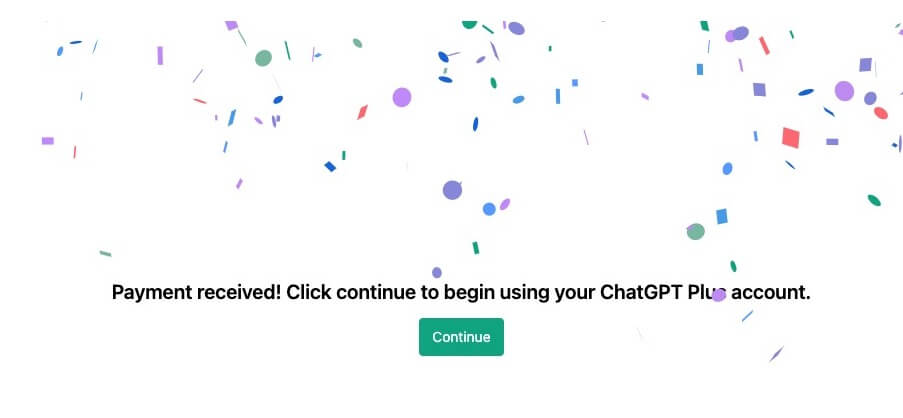
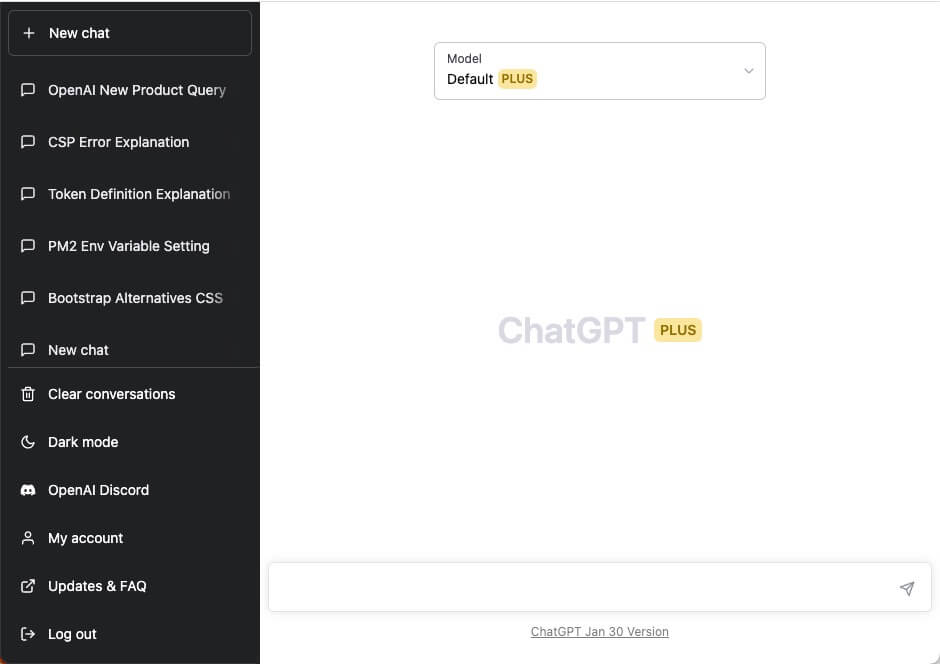
After the above, return to https://chat.openai.com/chat and you should see the Plus prompt.
Charge failure
For example, I did not top up much at first, so the charge failed. OpenAI will try to charge again automatically, but I am not sure how many times. If you want to retry manually:
Your payment method was declined. Please select another payment method to use for ChatGPT Plus Subscription.
You can manually add a domestic Visa card, which will fail. After that, the pending payment will appear and can be charged successfully.
Final Thoughts
The key to success is proxies and nobepay. After all, nobepay requires at least 500 top-up. Let us see how long it can last, since the domestic environment is special.


