I’ve been using Tampermonkey scripts more this year. Here’s a summary of my current usage.
Purpose
Tampermonkey is used to enhance web pages, such as supporting video playback at multiple speeds, modifying page styles, automating some operations, etc.
Common scripts
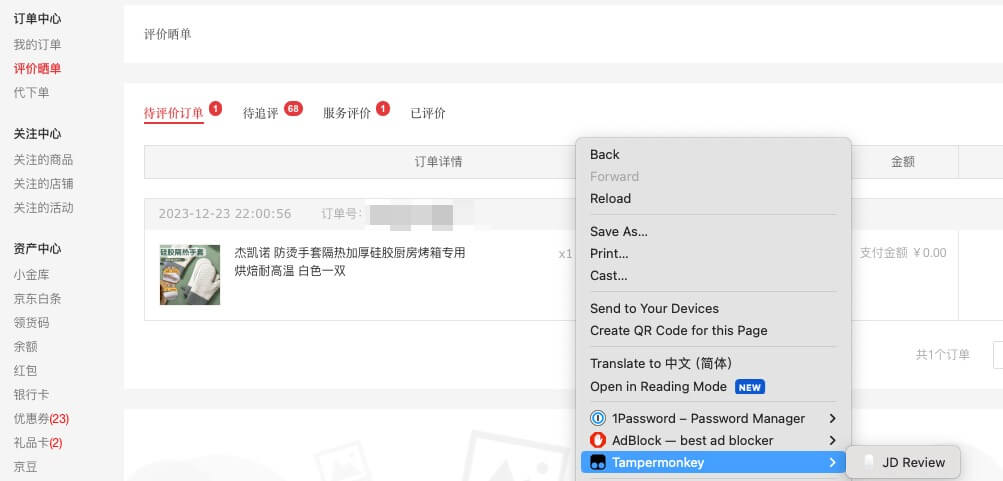
Right-click - automatic commenting to earn a little Jingdou.
After entering the China CITIC Bank page, automatically go to my loan page, statistics on current interest ratio and other information. The bank webpage doesn’t show this information, but these are the most important.

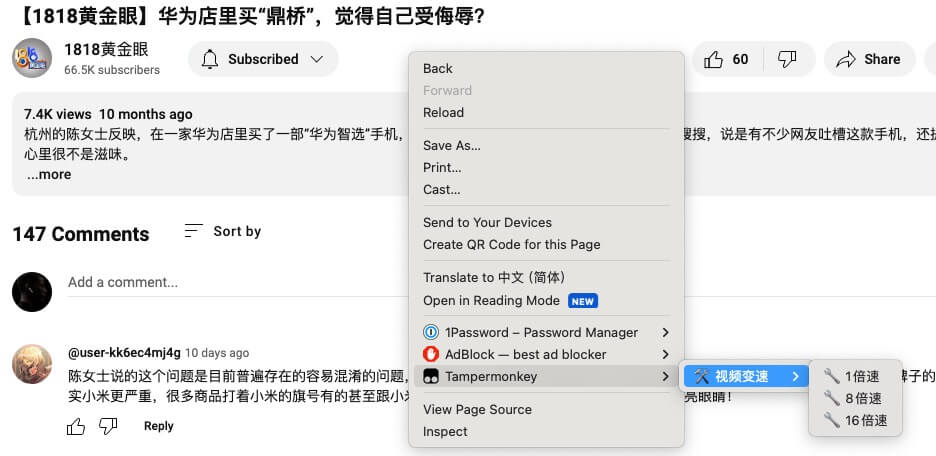
Some web pages don’t offer video playback at multiple speeds, so the script adds a right-click menu for speed switching.
Work Customization Scripts
- For example, when loading a certain webpage, automatically perform some option operations.
Tampermonkey setup
Enable
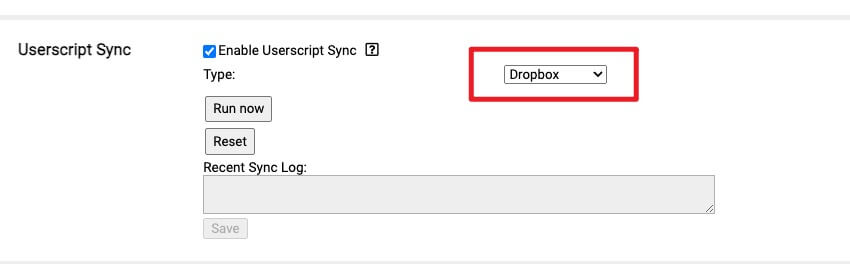
Sync ServiceIf using multiple devices, it’s recommended to enable sync service.
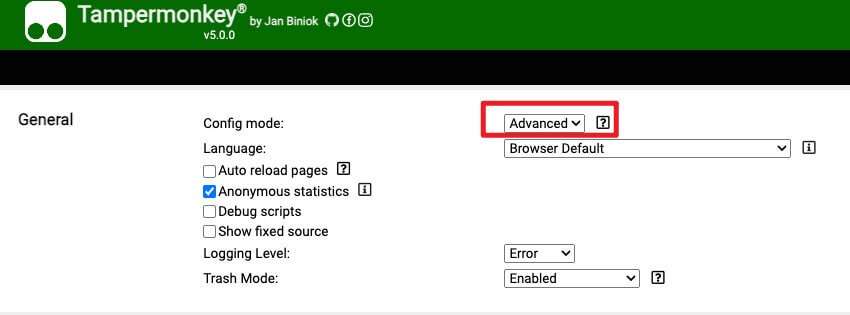
Note: First, set the configuration mode to Advanced. If the run button in Userscript is grayed out, click save first.
Common issues
Formatting code
The plugin itself doesn’t provide code formatting tools, it’s recommended to use VSCode or other editors.
Final Thoughts
If you frequently use certain web pages but are unsatisfied, consider whether they can be enhanced with Tampermonkey.


