Loading ES Modules in Node.js Projects

This article introduces loading ES modules in Node.js projects, including its advantages, implementation details, and relevant resources. These steps can help improve efficiency when loading ES modules in Node.js projects.

Apr 10, 2024 · 1 min read · 111 Words · -Views -Comments · Programming
Node.js JavaScript 🇨🇳 阅读中文版
Read with AI

Choose an AI assistant

ChatGPT Open in a new tab with the article link and prompt
Claude Copy the prompt, then open Claude

Open Claude
Trouble reading the article?

If the prompt is missing, copy the full prompt below into your AI assistant. If the AI cannot read the article, paste the visible passage you want to discuss and add your question.

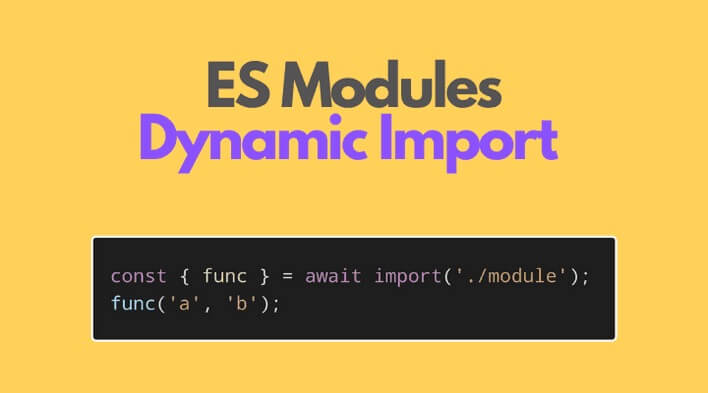
Node.js supports ES module import. You can load ES modules through import, but there are some conditions. If not met, it will still throw errors.
https://static.1991421.cn/2024/2024-04-10-101444.jpeg

Note: import in Node.js differs from the browser side.

Import Local JS Modules

  1. Declare type:module in the package.json of the folder where the js file is located
  2. File extension should be mjs

Import URL

Executing import(url) in Node throws error ERR_UNSUPPORTED_ESM_URL_SCHEME

Error code explanation:

import with URL schemes other than file and data is unsupported.

From this, we can know that dynamic import in Node.js doesn’t support URLs. However, for example, Deno does support URLs, but Deno doesn’t consider CommonJS and doesn’t have this historical baggage.


Authors
Developer, digital product enthusiast, tinkerer, sharer, open source lover