Enabling MITM on Mac or iPhone with Surge is straightforward. How do you do it on Apple TV? Here’s the process I use.
Option 1: Mac Gateway Mode
If Surge on macOS runs in gateway mode with MITM enabled, every Apple TV request routed through the Mac is decrypted automatically—even if Surge on tvOS is off.
Option 2: Direct MITM on Apple TV
Export the certificate from Surge on macOS/iOS (whichever device generated the tvOS profile). Use the same device that created the config to avoid mismatched certificate settings.
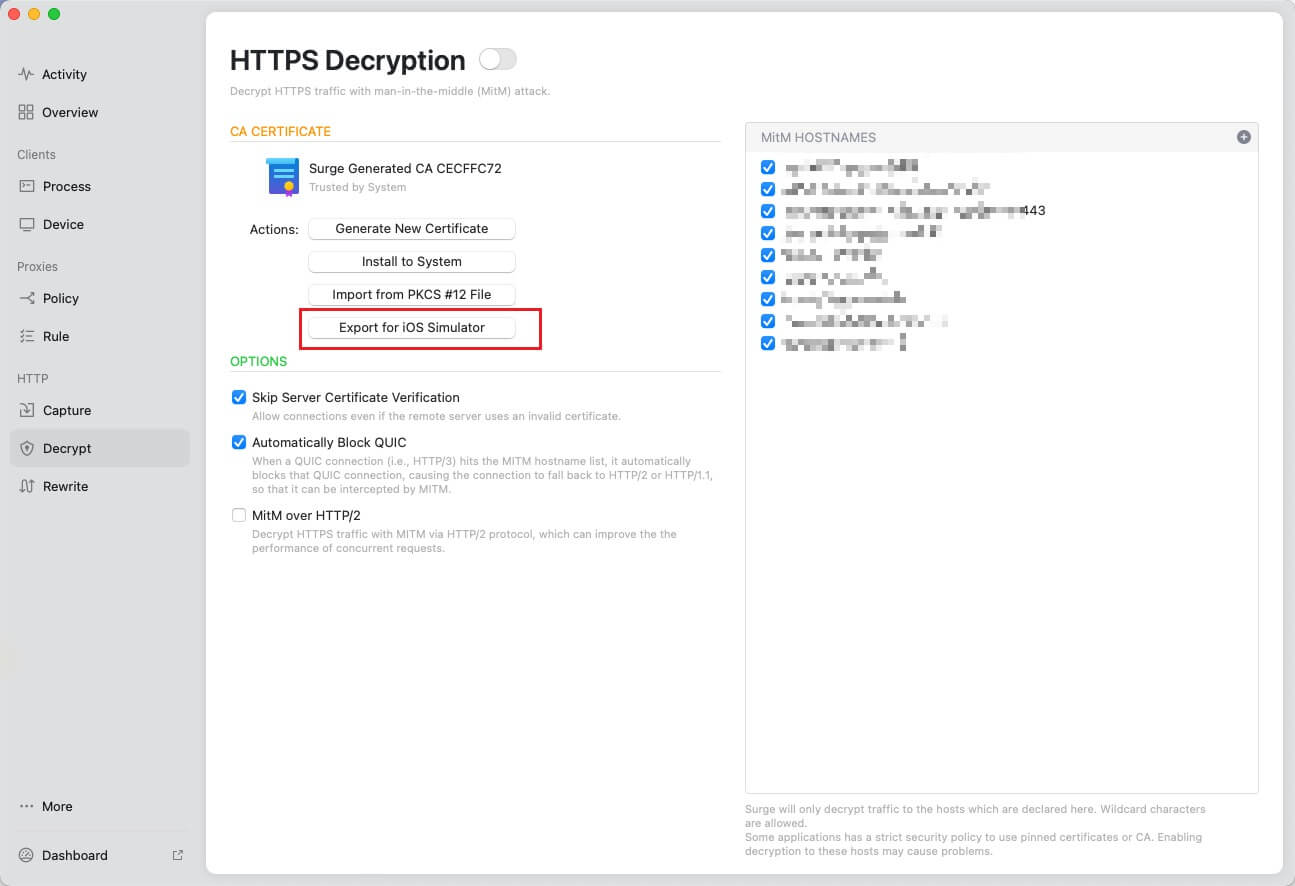
Upload the certificate to a cloud service (e.g., Dropbox) to obtain a direct download link. I use Dropbox with
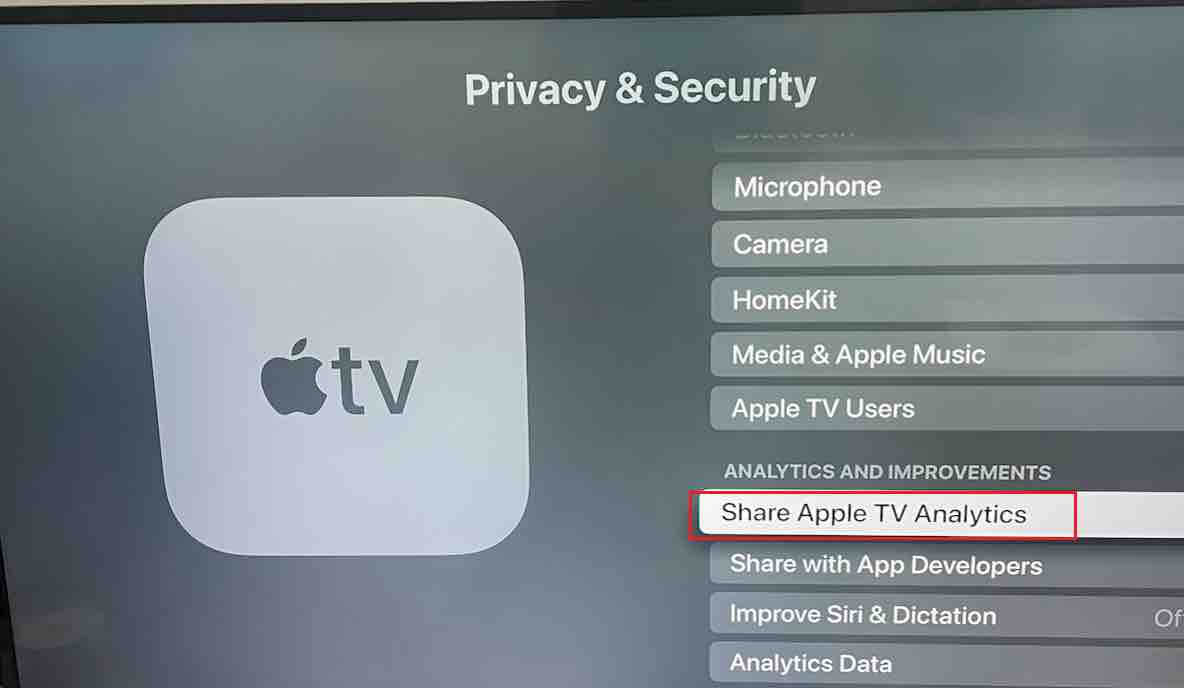
dl=1, such ashttps://www.dropbox.com/scl/fi/aaa.crt?rlkey=xxx&e=1&dl=1.On Apple TV: Settings → General → Privacy & Security. Under “Share Apple TV Analytics,” press the Play button to add a profile. Enter the certificate URL, then complete the installation.
Go to Settings → General → About → Certificate Trust and trust the certificate.
Add MITM rules to the Surge tvOS profile just as you would on macOS or iOS.
MITM is now active—you can inspect traffic via Surge Dashboard on Mac or iPhone.
Some services (Spotify, Apple, etc.) use SSL pinning. Don’t MITM those hosts or the apps will fail.
Final Thoughts
That’s all it takes to enable MITM on Apple TV.

