When processing text files, we encounter different line separators. Why do these differences exist and how should we handle them? Let me note this down here.
System Differences
Windows uses \r\n, while Unix/macOS uses \n
For example, when creating a text file in Windows using NotePad, after saving and dragging it to editors like VSC, you can see the separator is indicated as \r\n.
Editor Settings
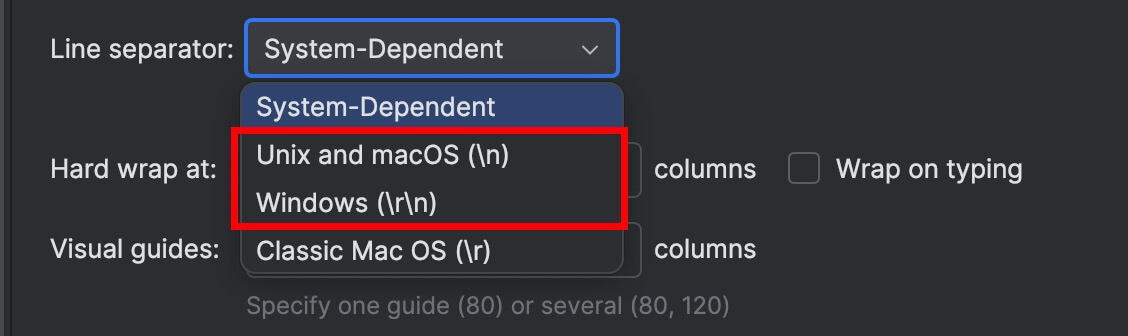
In editors, we also see explanations about Line Separators.
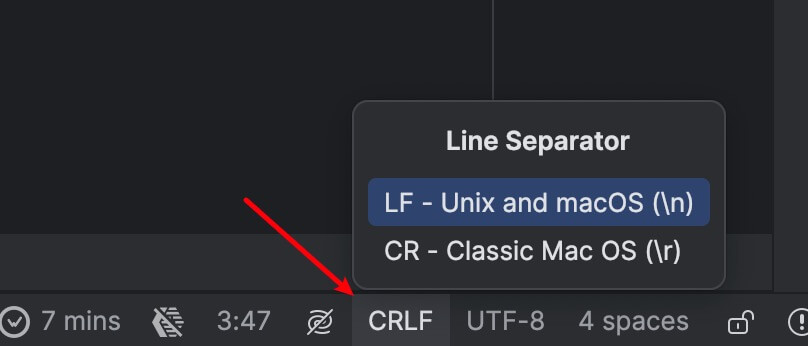
When we open files in editors like WebStorm or VSC, we also see such prompts in the status bar, telling you what the line separator of this file is.
Program Text Processing
Different separators result in different text files, which can also cause exceptions in actual code processing. What if we want to handle this compatibly? For example, when processing text strings to arrays, we can use regex to solve this problem.
str.split(/\r?\n/)
Final Thoughts
Done.

