ChatGPT now supports chatting over WhatsApp. I hadn’t registered WhatsApp before, so I used this as an opportunity to try it.
Prerequisites
I have a Giffgaff UK SIM card in my phone. I’ll try registering with that phone number.
Steps
- Turn off Wi‑Fi
- Disable the Surge proxy
- Enable Giffgaff cellular data and ensure cellular uses Giffgaff
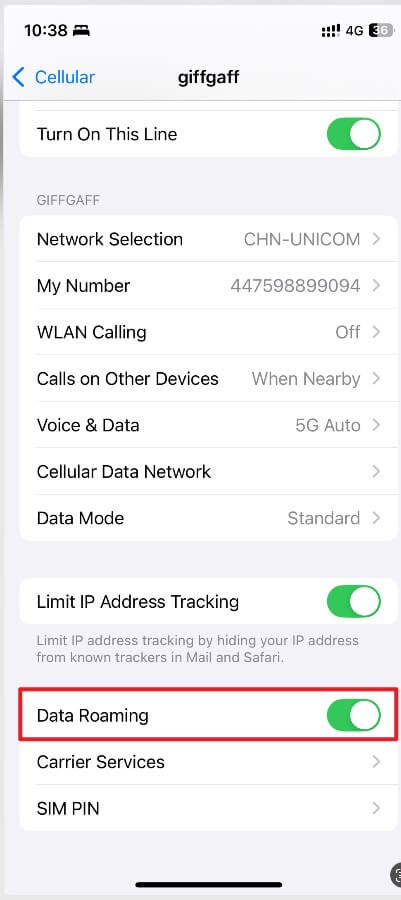
- Select UK and enter the phone number
- Send the verification code
- Enter the verification code
- Done
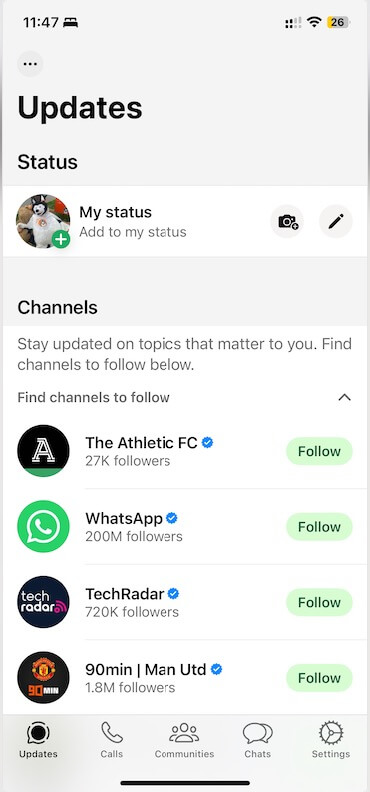
FAQ
We couldn’t send an SMS to your number. Please check your number and try again in 1 hour.
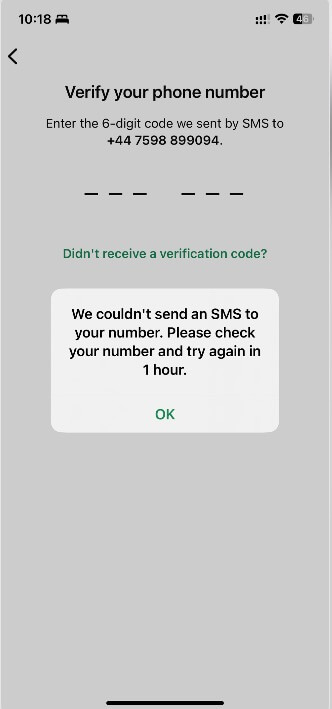
This usually indicates an IP/location mismatch. Since this is a UK number, you need a UK network environment. Try a full-tunnel UK proxy, or use the SIM’s own cellular network, which worked for me.

