How to Use Alfred to Retrieve Local Network Information (Step-by-Step Guide)

Dec 21, 2024 · 1 min read · 68 Words · -Views -Comments · Software & Tools
Alfred Workflow 🇨🇳 阅读中文版
Read with AI

Choose an AI assistant

ChatGPT Open in a new tab with the article link and prompt
Claude Copy the prompt, then open Claude

Open Claude
Trouble reading the article?

If the prompt is missing, copy the full prompt below into your AI assistant. If the AI cannot read the article, paste the visible passage you want to discuss and add your question.

To quickly access my network proxy information and public IP details, I created a workflow for convenience.

Screenshots
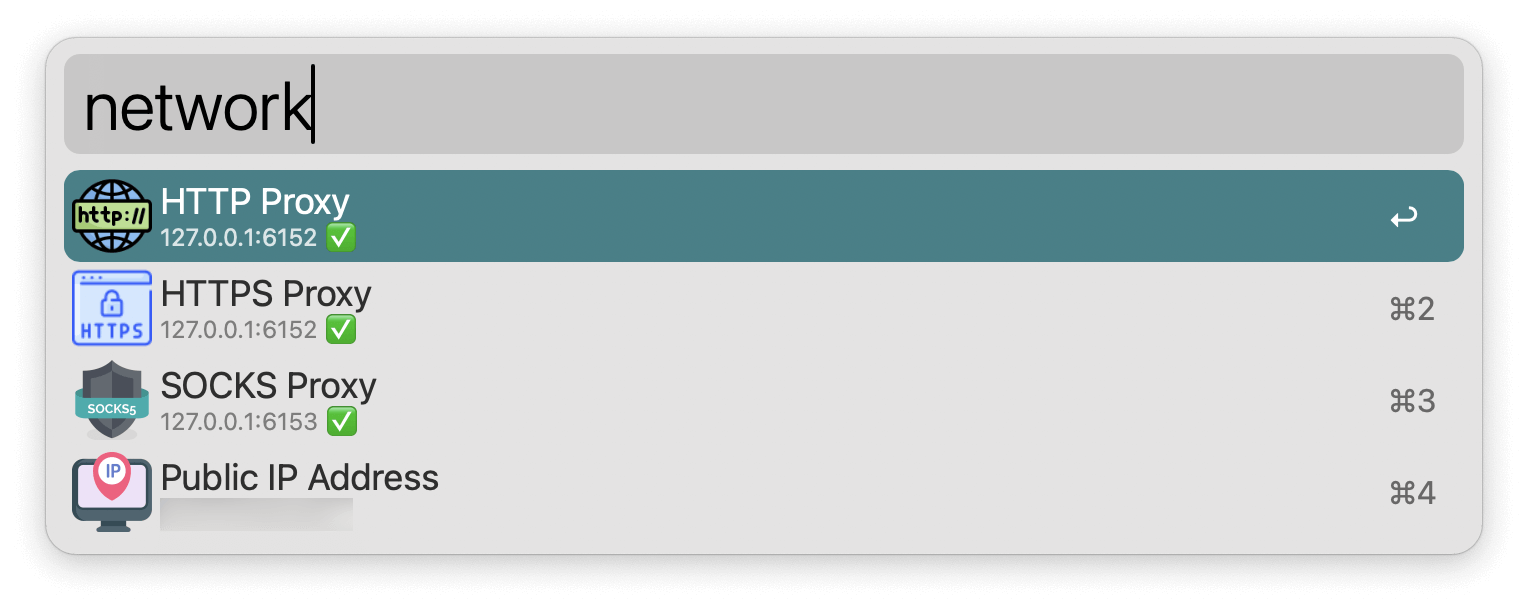
https://static.1991421.cn/2024/2024-12-21-134418.png

Download Link

Implementation

The workflow relies on the following commands to retrieve network information:

  1. Retrieve network proxy info:

    networksetup -getsocksfirewallproxy "Wi-Fi"
    networksetup -getwebproxy "Wi-Fi"
    networksetup -getsecurewebproxy "Wi-Fi"
    
  2. Retrieve public IP info:

    curl ifconfig.me
    

At the end

With this workflow, local network information can be accessed quickly and efficiently.

Docs

Authors
Developer, digital product enthusiast, tinkerer, sharer, open source lover
