I’ve been playing with WeChat bots in my spare time, and recently wanted to add support for sending voice files. Research shows that WeChat voice files use the Silk format, while AI voice synthesis typically provides MP3/WAV formats. So I need to solve the conversion from MP3 to Silk.
Silk
Silk is an audio compression format developed by the famous Skype company. It’s like a “sound magician” that can compress voice signals into very small sizes while maintaining high audio quality. WeChat recognized these advantages of Silk and uses it for voice message transmission.
Solution
- Use ffmpeg to convert to PCM (skip this step if direct PCM output is supported)
- Use pysilk to convert PCM to Silk
- Host the Silk file on a web service for WeChat sending
Mac Silk Player
Recommended to use SilkPlayer
Selection complete

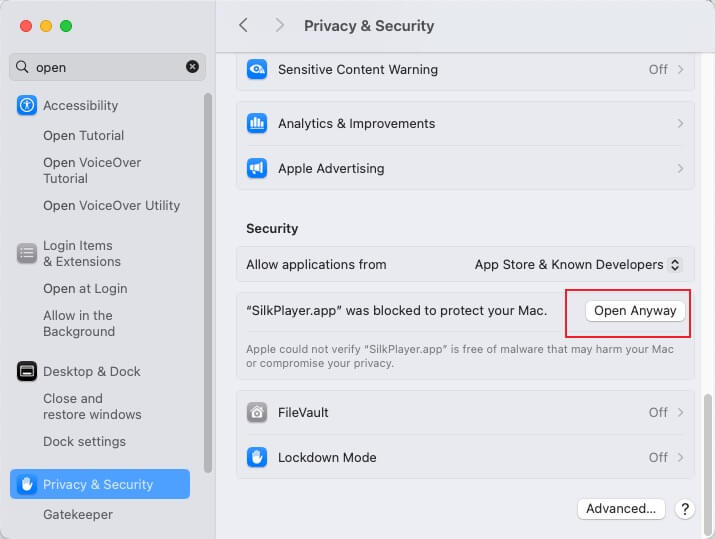
Choose to open
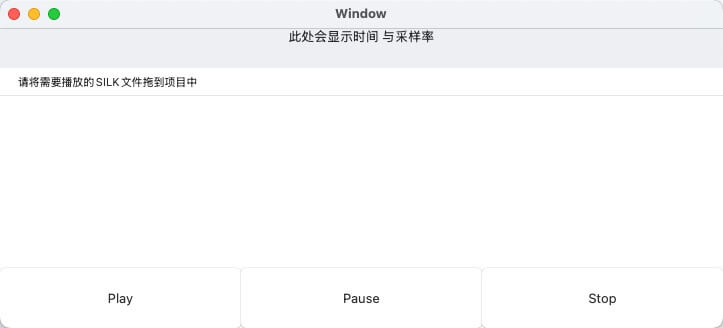
Drag file to player, click play
Final Thoughts
Through sending voice messages via WeChat, I learned that Silk is quite interesting. Those who are interested can research it further.

