Recently, while implementing a JSON data editor using Monaco editor, I discovered a method to implement JSON Schema-based intelligent suggestions to enhance user experience. Here’s what I learned.
Implementation
Using Monaco-editor’s language service to implement JSON Schema-based intelligent suggestions.
Setting up JSON Schema
monaco.languages.json.jsonDefaults.setDiagnosticsOptions({
          validate: true,
          schemas: [
 {
              uri: "http://myschema/abi-schema.json",
              fileMatch: [model.uri.toString()],
              schema: {
                type: "array",
                items: {
                  type: "object",
                  required: ["type"],
                  properties: {
                    name: {
                      type: "string",
                      description: "Function or event name"
 },
                    type: {
                      type: "string",
                      enum: ["function", "event", "constructor"],
                      description: "Type: function, event, or constructor"
 },
                    inputs: {
                      type: "array",
                      description: "Input parameters",
                      items: {
                        type: "object",
                        properties: {
                          name: {
                            type: "string",
                            description: "Parameter name"
 },
                          type: {
                            type: "string",
                            description: "Parameter type"
 }
 }
 }
 }
 }
 }
 }
 }
 ]
 })
Editor options
options={{
 minimap: { enabled: false },
 lineNumbers: true,
 quickSuggestions: true, // Auto-completion
 autoIndent: true,
 automaticLayout: true,
 validate: true,
 folding: true,
 hover: {
 enabled: true,
 },
 suggest: {
 insertMode: "insert",
 showInlineDetails: true,
 showDetails: true,
 preview: true,
 previewMode: 'prefix',
 maxVisibleSuggestions: 12,
 },
 }}
Notes
- If you only need suggestions for specific editors, use fileMatch to restrict the scope; otherwise, it will trigger JSON suggestions in other editors.
Results
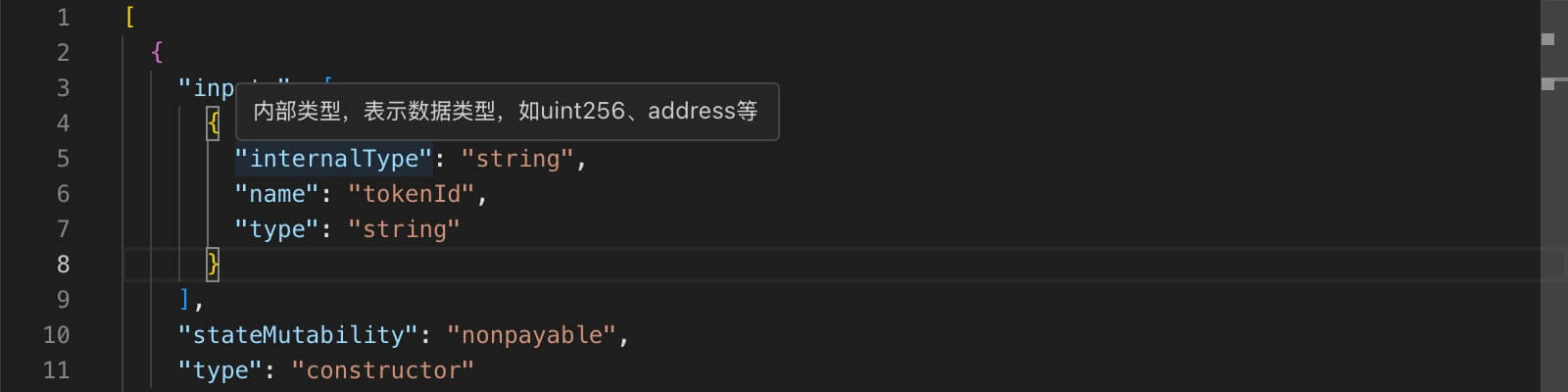
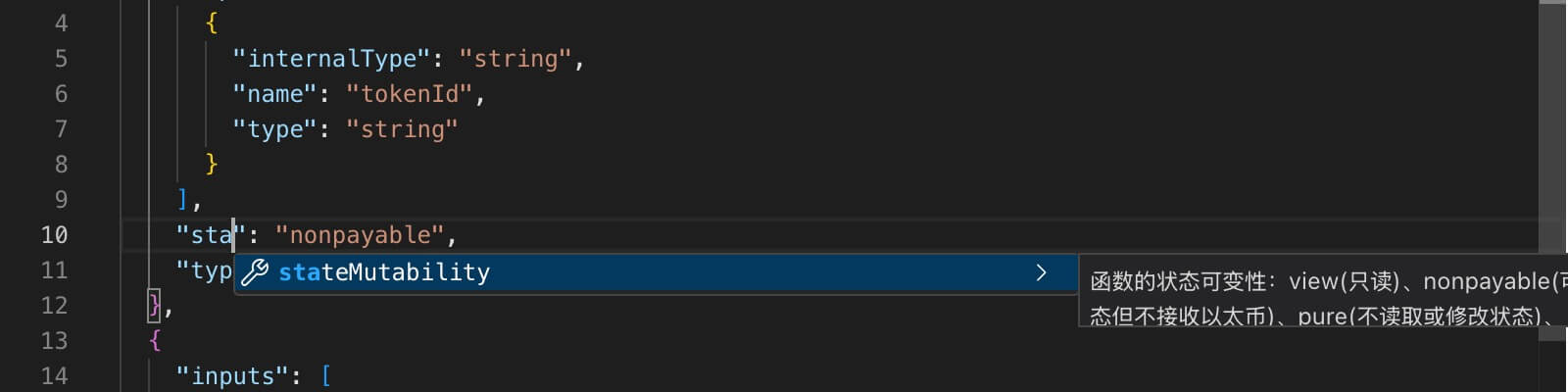
At the end
We now understand how to implement code suggestions for fixed JSON data types in Monaco editor.

