Recently, I got a new MBA but found that text messages were not syncing to the new Mac, so I started troubleshooting. This issue is quite common, so I’m documenting it here.
Troubleshooting Steps
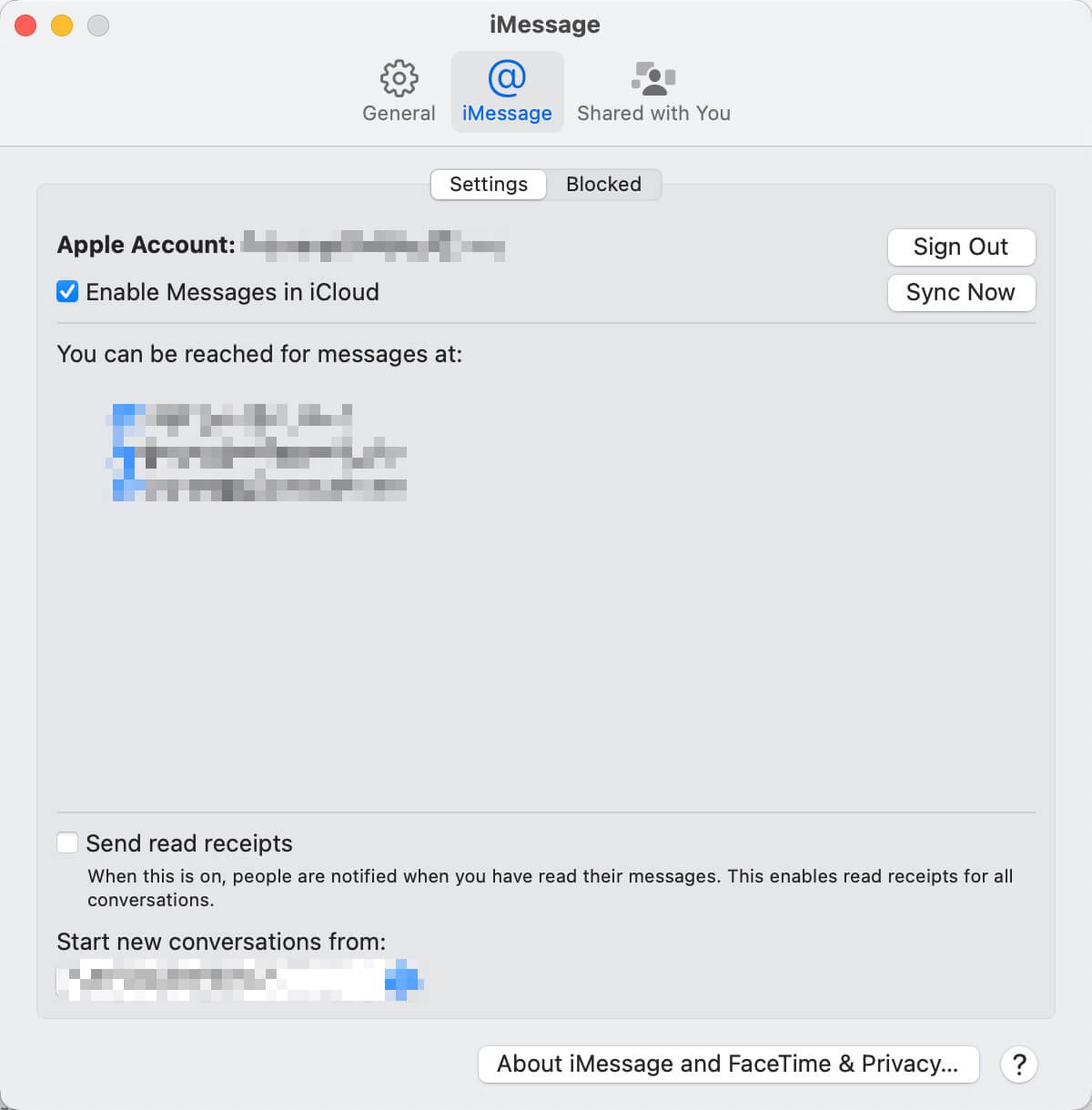
Open iMessage on Mac, verify that iCloud message sync is enabled
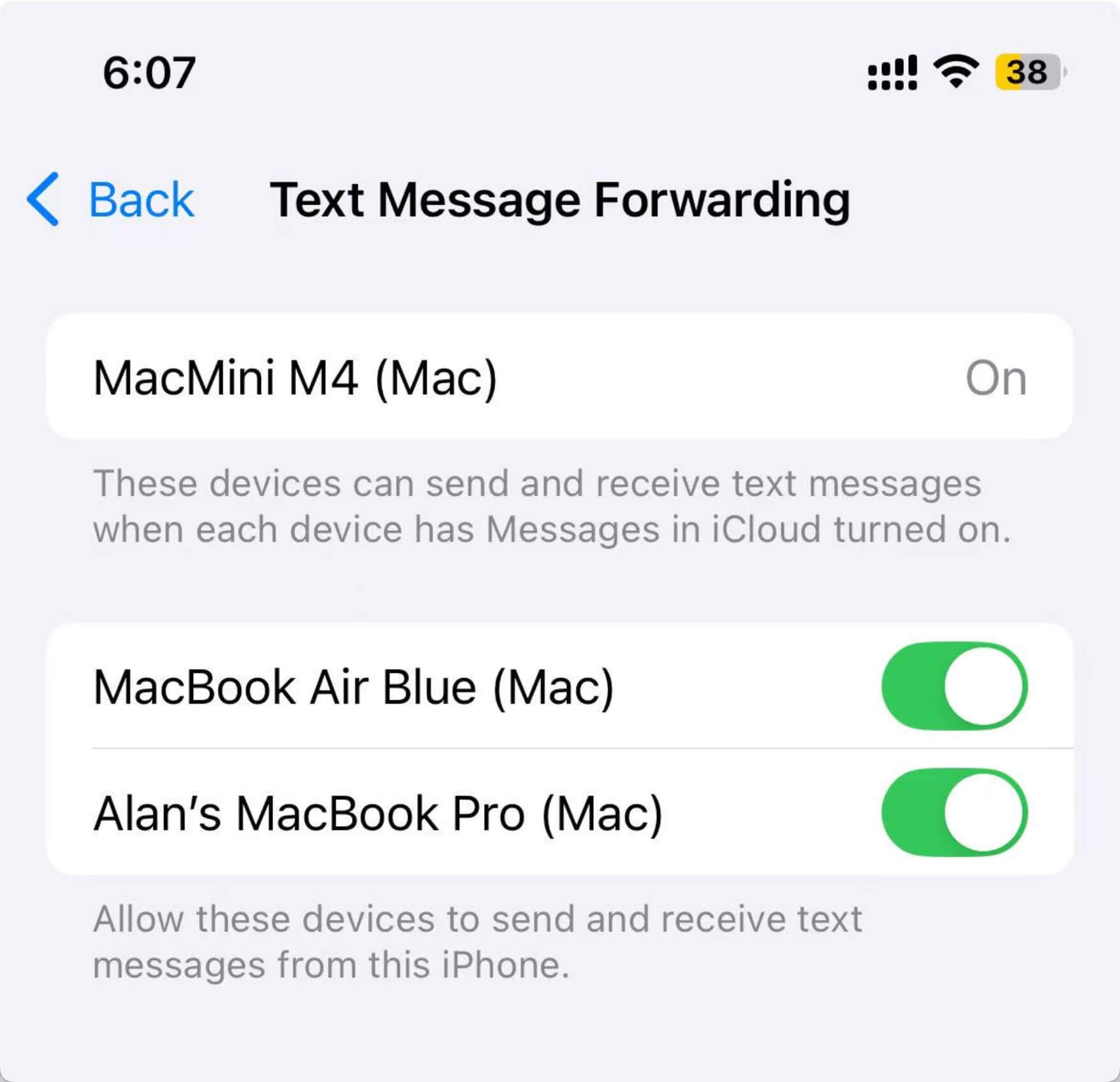
On iPhone, go to Settings-Apps-Messages, verify that Messages is enabled, and enable the corresponding device in Text Message Forwarding.
Fixed
During the troubleshooting, I found that my issue was because I hadn’t selected to forward text messages to this Mac on the iPhone. After enabling it and sending a new text message, everything worked fine.
At the end
Text message synchronization is a feature I use frequently. For example, when logging into websites, I can directly invoke Alfred on Mac to read SMS verification codes and paste them into web pages with just one enter key - very convenient. You should give it a try.

