The iPhone’s USB-C port does more than charge - it can expand storage, connect external keyboards, use external microphones, and more.
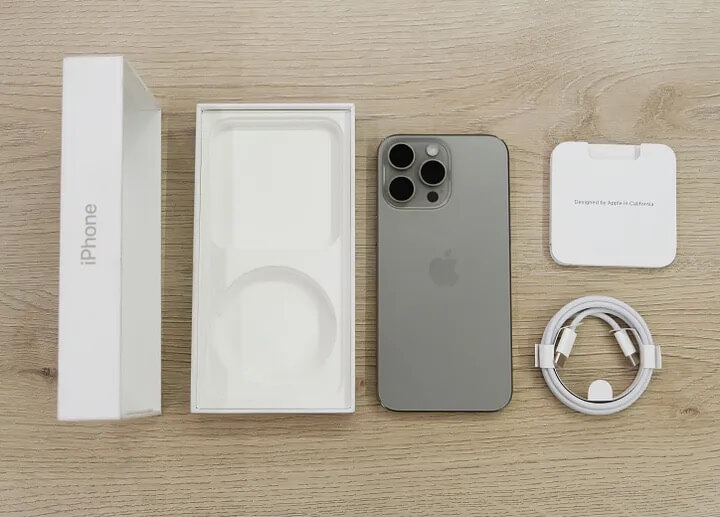
For years, the iPhone used Lightning, which meant carrying two kinds of cables when going out. I kept wondering when iPhone would switch to USB-C. Finally, Apple replaced Lightning with USB-C on the iPhone 15 and 16 series, so we no longer need two cables. But the key point is that USB-C is far more than a charging port. If you only know it for charging, you’re underusing it - you should know its real power.
Here are 8 ways to unlock its full potential.
1. Charge another device
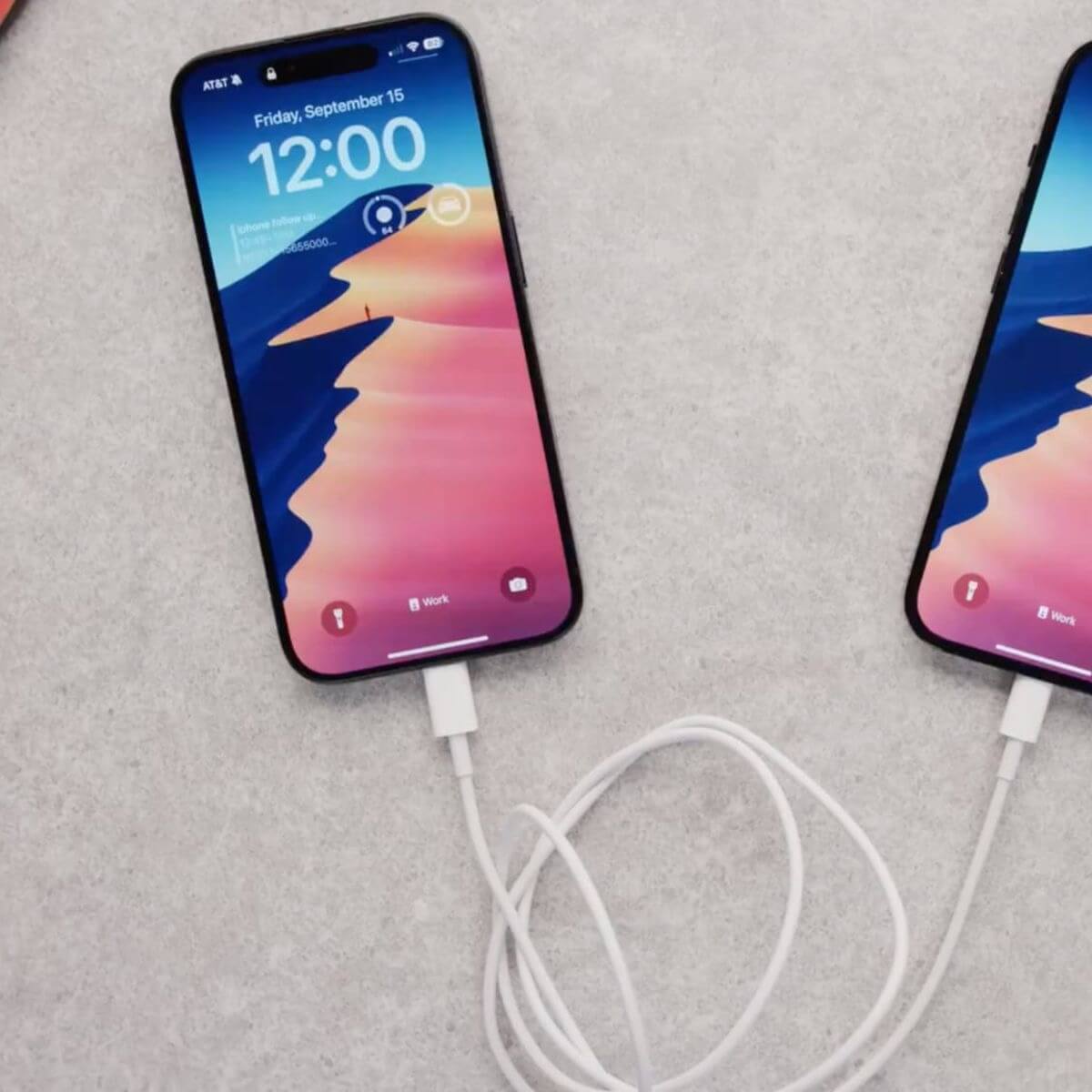
You can use USB-C to charge other devices. Your iPhone can supply up to 4.5W, enough to charge AirPods, an Apple Watch, or even another phone.
Just plug one end of the USB-C cable into your iPhone and the other into the device - boom, you’re a mobile power station. Pretty cool, right?
Note: With a USB-C to Lightning cable, you can also charge older Apple devices.
2. Expand storage
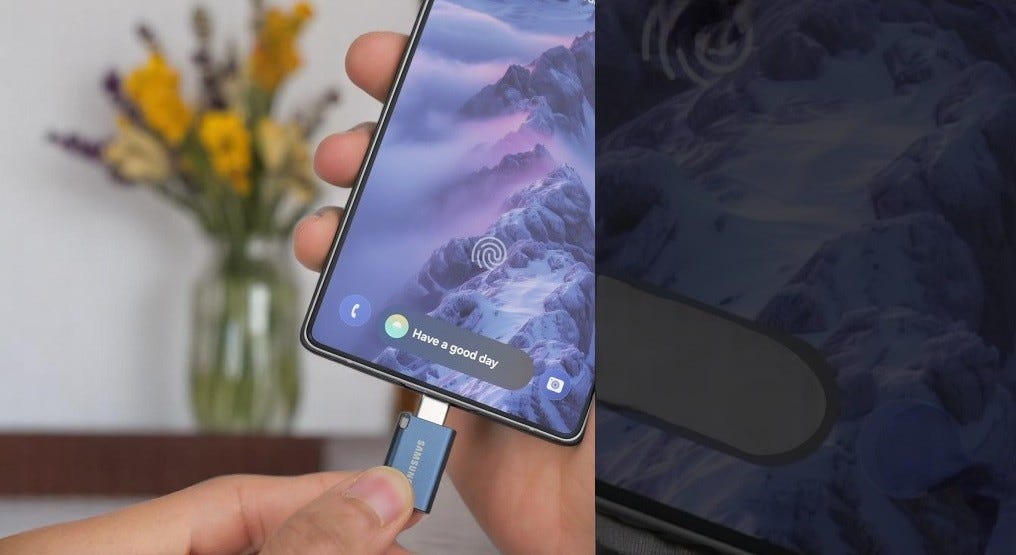
Expand storage via USB-C
iPhone 15 and 16 support external storage like USB drives and even SSDs. You can move large files off your iPhone to free up space.
I personally like compact Samsung Type-C flash drives.
Samsung Type-C drives are fast and efficient; if you’re a creator, they can even handle ProRes video storage.
3. Use an external keyboard
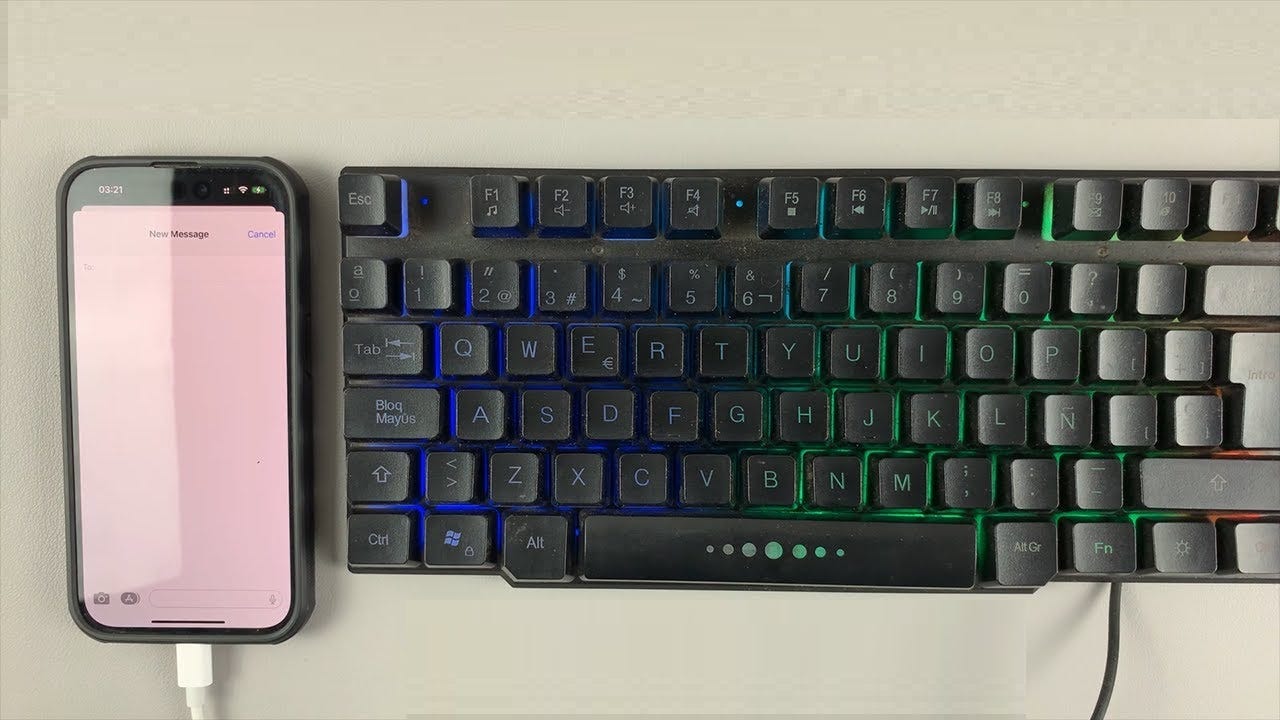
Use a keyboard with iPhone via USB-C
Via USB-C, you can connect a full-size keyboard to your iPhone.
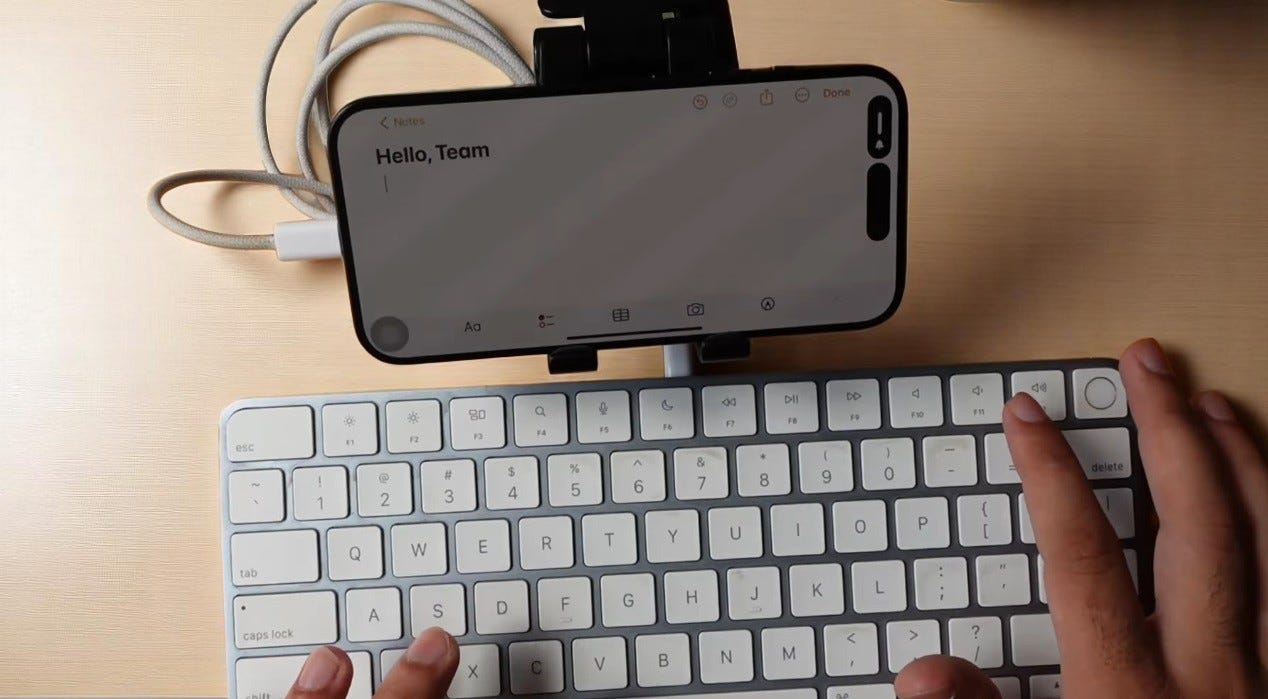
Use a keyboard with iPhone via USB-C
Whether you’re answering emails, writing blog posts, or just taking notes, this turns your iPhone into a mini productivity tool.
4. Use an external microphone
TikTok creators, podcasters, or anyone who makes videos will love this.
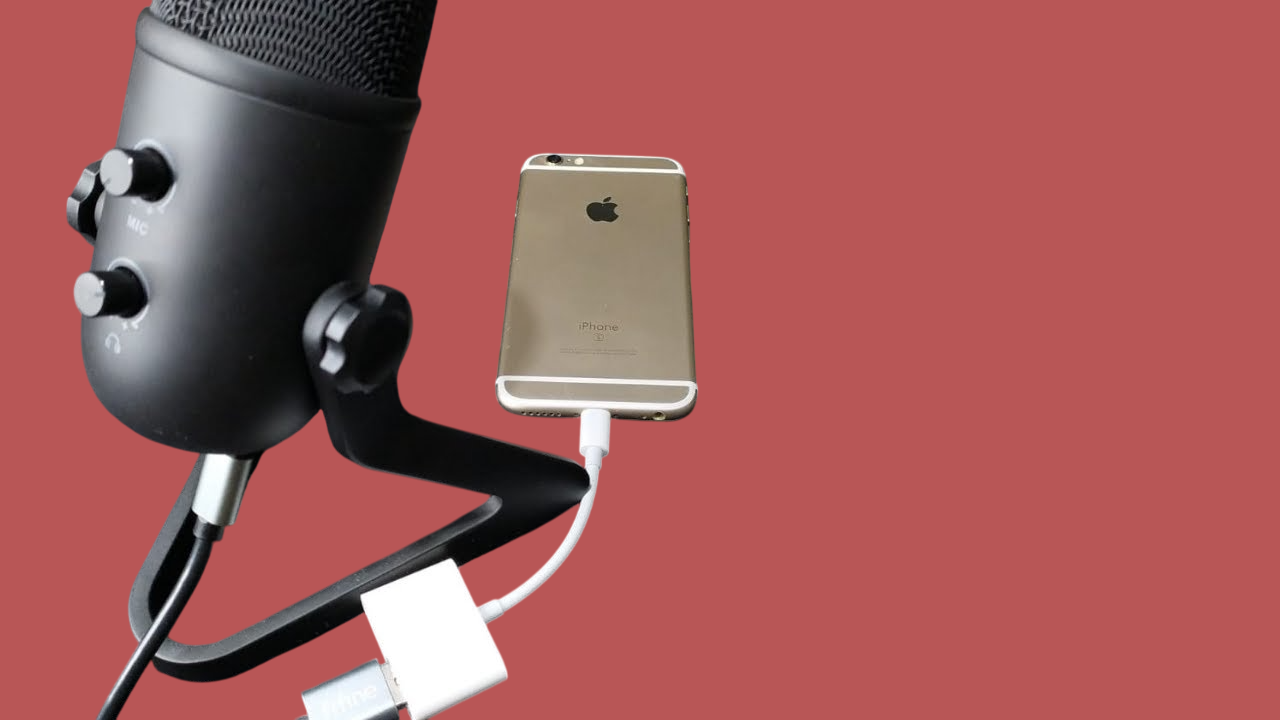
Use an external mic with iPhone via USB-C
iPhone’s built-in mic is decent, but sometimes you need clearer audio. USB-C to the rescue. Whether you’re vlogging, recording a podcast, or doing voiceover work,
Your iPhone can connect to high-quality mics like the Rode Wireless Micro.
With Rode Wireless Micro, you get excellent sound while keeping the convenience of wireless recording - no cables tangled during filming.
5. Add an SD card reader
Use a USB-C to SD card reader, plug it in, and you can access and transfer photos or videos from a camera’s SD card directly to your iPhone.
Newer cameras allow wireless transfer, but it’s often slow. Devices like Apple’s USB-C to SD Card Reader connect easily to your iPhone.
It’s faster and smoother than wireless, and it’s one of the most underrated USB-C features for creators.
6. Connect iPhone to an external display
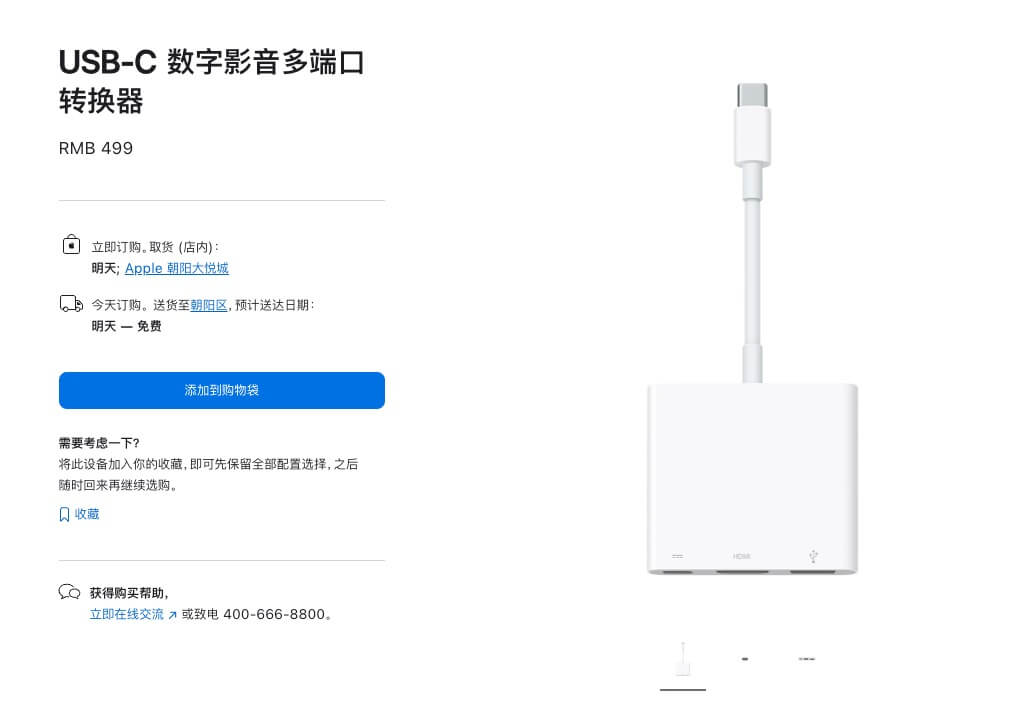
With a USB-C to HDMI adapter, you can plug your iPhone into any display and output 4K content.
Apple’s USB-C Digital AV Multiport Adapter is a good choice. It converts the iPhone’s charging port into HDMI, so you can enjoy 4K content on a larger screen.
7. Use a wired controller for gaming
You can connect a wired controller (like Sony’s DualSense) for ultra-low-latency, high-performance gameplay.
Sony’s DualSense is a great way to level up iPhone gaming, especially if you have a Pro model with the enhanced A17 or A18 chip.
8. Dock / hub
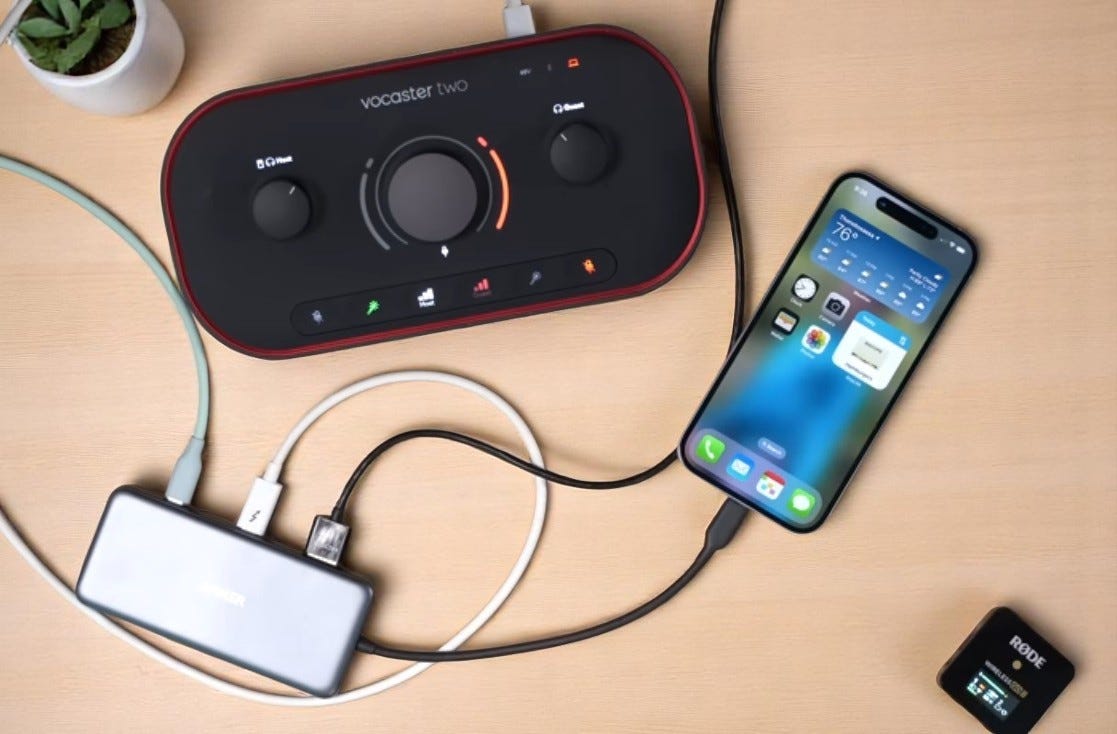
A USB-C hub can turn a single port into a multitasking powerhouse.
Devices like the Plugable 7-in-1 USB-C Hub provide HDMI (for external displays), a headphone jack, Ethernet, multiple USB-A ports, an SD card reader, and of course USB-C charging - all with one simple connection. It’s a bit bulky, but if your iPhone is your main hub for work or entertainment, it’s a must-have.
Final Thoughts
Now that USB-C is the standard, the iPhone has endless possibilities. Best of all, if you already have USB-C accessories for iPad or Mac, they work seamlessly with your iPhone 15 or 16. Even more exciting, with iPhone 17 and future models, we may see even more powerful USB-C features.


