Apple has provided official methods to download and install developer preview versions of iOS/iPadOS/macOS and other systems, eliminating the need to use third-party platforms for updates. This article uses iPhone as an example to demonstrate how to download and install iOS 26 Beta version.
Important Notes
- It’s recommended to experience the Beta system on a
secondary device. If installing on your primary device, first connect to a Mac or other device to back up your data before upgrading. If you’re willing to take the risk directly, that’s also an option… - For primary devices, it’s recommended to perform a
system backupusing a Mac or other device. If you want to revert to the stable version after upgrading, you can restore from the backup. - iOS 26 requires
iPhone 11or newer models.
Download Developer App
Download the official Developer App from the App Store: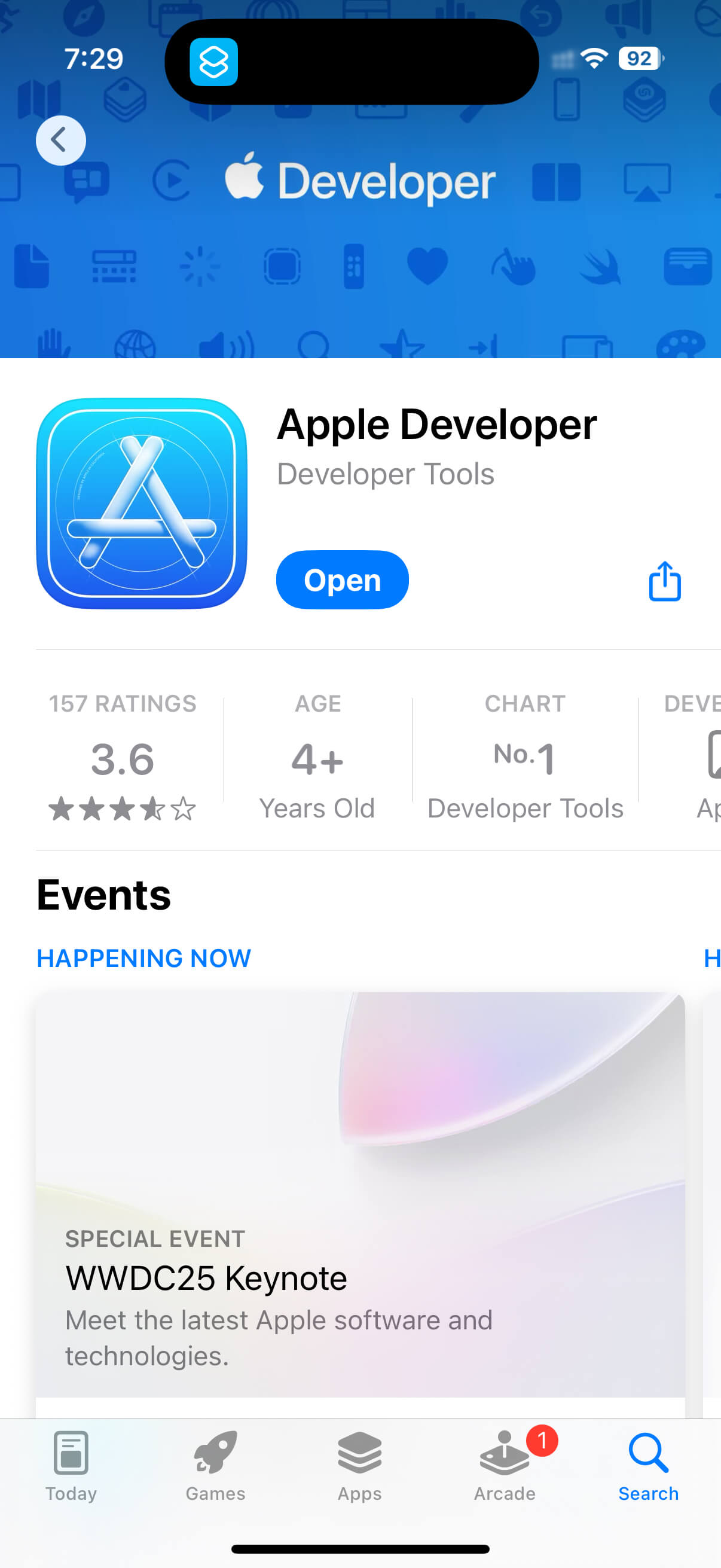
Or directly access the download link: https://apps.apple.com/cn/app/apple-developer/id640199958
Log in to Developer App
Sign in to the Developer App using your Apple ID:
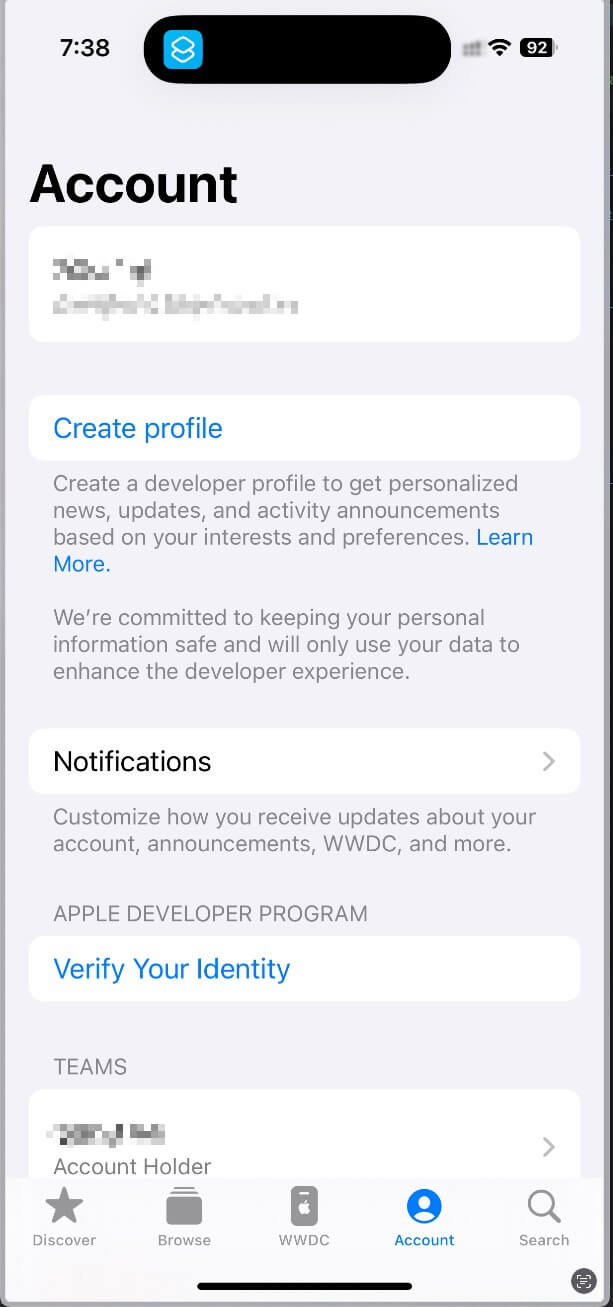
Install System Update
Navigate through: Settings > General > Software Update > Beta Updates
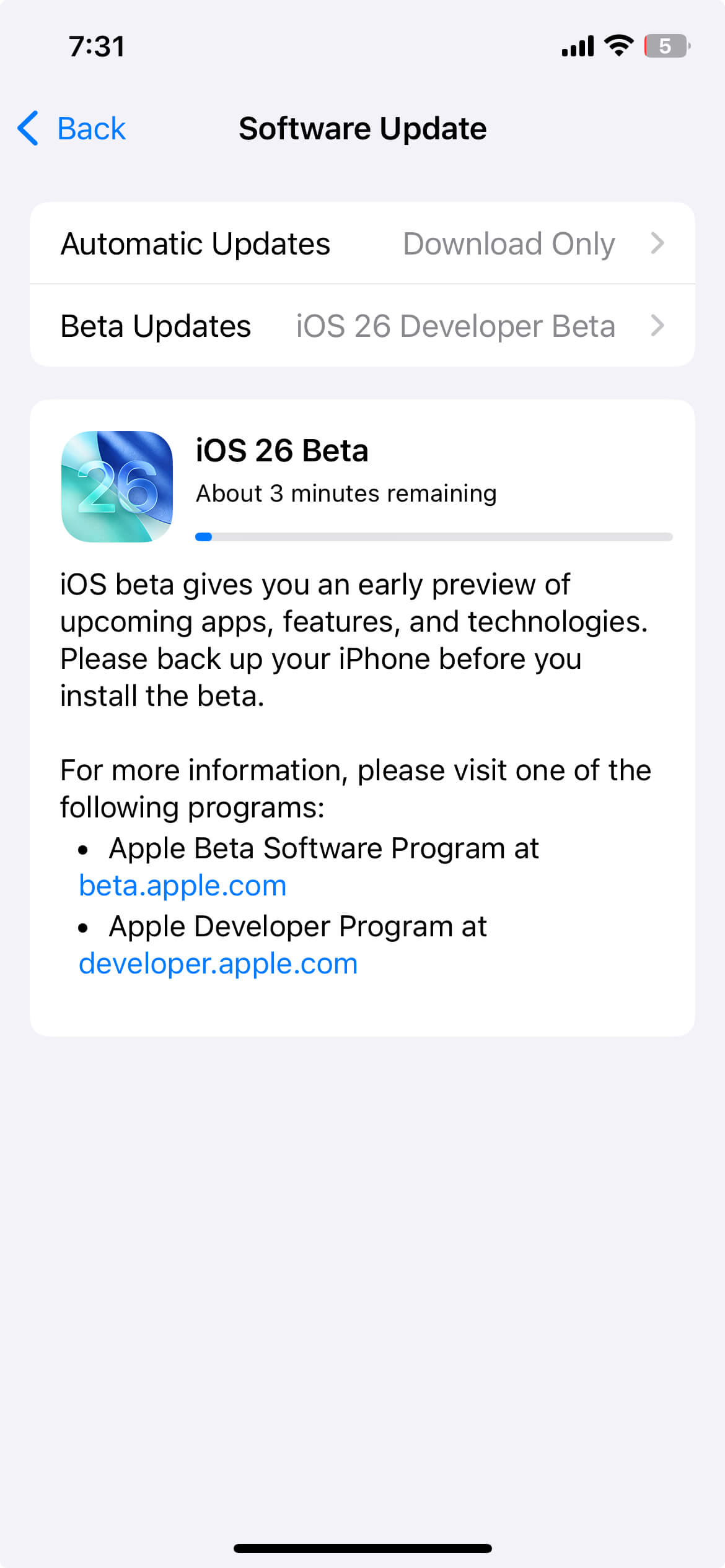
Wait for the download and installation to complete. During installation, the device requires at least 20% battery, so it’s recommended to perform this while charging.
Final Thoughts
- The installation method for Beta versions on other Apple platforms (such as macOS) is similar. It’s recommended to experience them while ensuring data security. Be careful 🚗.
- Beta versions have many bugs and receive frequent updates for a period. If you want to revert after upgrading, simply use your previous backup to restore.

