Two things pushed me to subscribe to Claude Pro: first, Claude Code had become too useful to ignore; second, GPTs kept failing on system-prompt-heavy tasks, so I wanted to try Claude seriously. This post records how I solved the US-region Claude Pro subscription flow.
Prerequisites
- Network access: Since Claude AI service is abroad, if you have difficulty accessing the web version, Claude Code will be the same. It’s recommended to solve the network issue first.
- Non-China Apple account, such as a US Apple account.
- Visa credit card: A credit card from mainland China works fine.
Purchasing Gift Cards
Without a US PayPal account or a US bank card, a US Apple Gift Card is the simplest way to pay. I recommend buying it directly from Apple’s US website; a Visa credit card issued in mainland China works fine.
Gift Cards Are Region-Locked
Apple Gift Cards are tied to a region and cannot be redeemed across regions. To top up a US Apple ID, you must buy a US gift card, which means purchasing it from Apple’s US website.
Purchase Steps
- Visit the Apple US gift card page and choose the email (digital) gift card.
- Pick an amount. Apple allows
$10-$2000. Claude Pro costs$20per month, so buy at least$20. Purchases in non-tax-free states may incur sales tax, so it helps to add a small buffer. - Fill in the recipient and sender details. You can be both the sender and the recipient; just use your own email address.
- Pay with a Visa credit card. Apple does not check the card’s issuing country here, so a mainland China Visa card works. For the phone number, you can use your Google Voice number.
- The gift card is not delivered instantly. It usually arrives
within an hour; in my case it took about10 minutes.

Once you receive an email titled xxx sent you an Apple Gift Card, the card has been delivered, and the email contains the gift card code.
For a more detailed walkthrough, see my earlier post US Apple ID Payment Issues.
Redeeming Gift Cards
Log into your Apple ID account, go to account settings, click “Redeem Gift Card or Code”, and enter the code from the email. You can also click the redeem button in the email, which opens the App Store and redeems it automatically.

After the redemption succeeds, the balance appears in your Apple account, and the Claude Pro subscription in the App Store will be charged from that balance automatically.
Download and Install Claude Pro
Works on both mobile and PC. Simply search for “Claude” in the App Store.
https://apps.apple.com/us/app/claude-by-anthropic/id6473753684
Subscription
If you do not want a long-term subscription, just subscribe for one month, complete the payment, and cancel afterward. That prevents automatic renewal when the month ends. I do not recommend paying annually here. Monthly is enough.
Following the above steps, you can successfully subscribe to Claude Pro.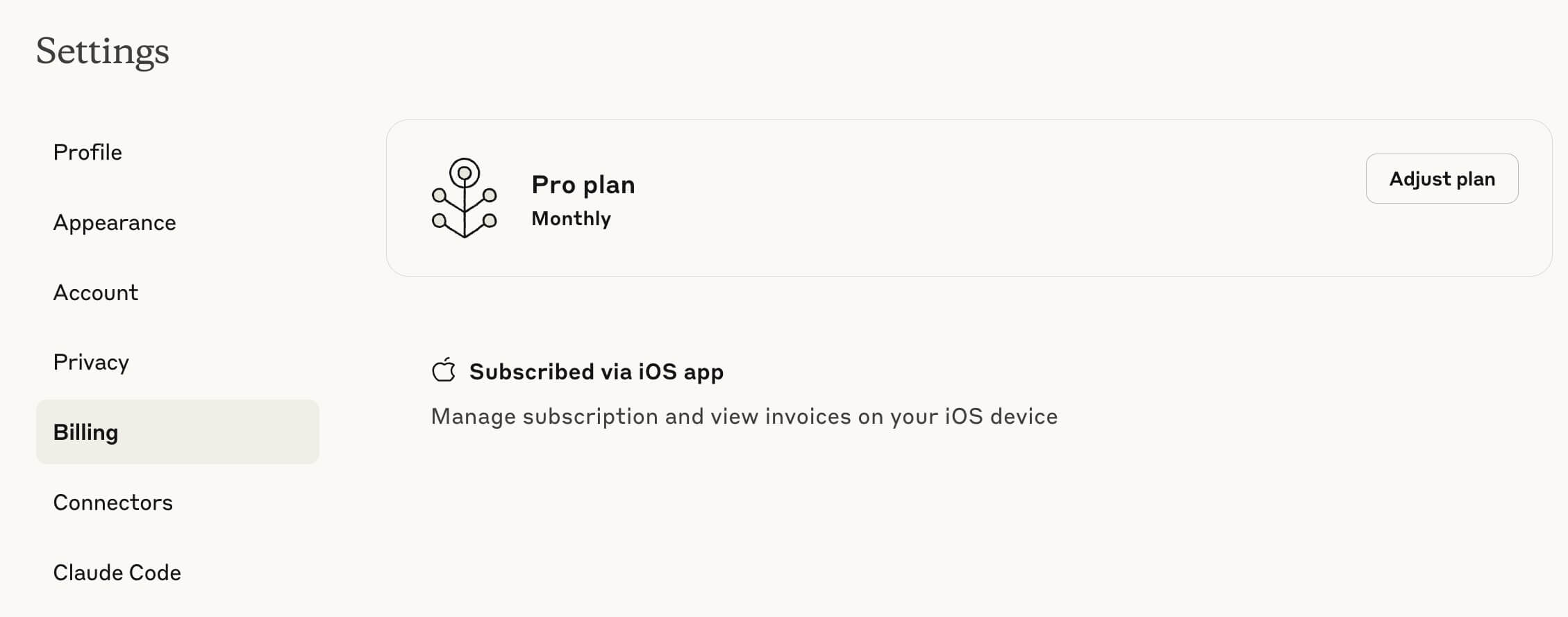
Claude Pro Benefits
- Use the Claude client to access Claude Chat models like Sonnet, etc.
- Use Claude Code in the terminal without additional payment. Since it’s terminal-based, it’s cross-platform - you can use Claude Code wherever there’s a terminal.
Final Thoughts
I personally think Claude is currently the strongest coding model. For other aspects, GPT is still stronger. Everyone can use them according to their needs.

