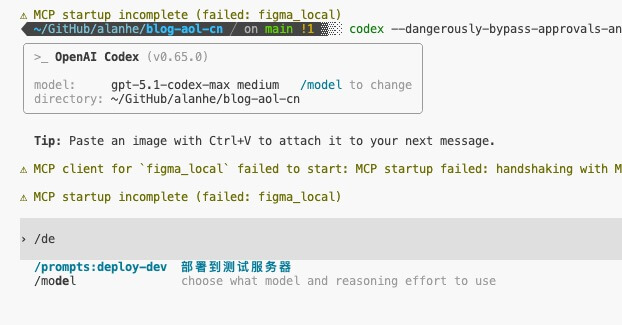
Custom slash commands in CC are really convenient. For example, I often perform specific operations directly with slash commands, which is efficient. The Codex CLI can achieve similar functionality.
Create prompts file
Create a
promptsfolder in your user’s home directory, not in the project directory.mkdir -p ~/.codex/promptsEdit the prompt file Create a new text file in the
~/.codex/prompts/directory, such asdeploy.md, and write your desired prompt content.
Restart Codex session
Type /prompts:deploy-dev and press enter to execute the target command.