Recently, I tried Google’s Antigravity IDE with the G3 model and Figma MCP Server. The results were quite good, so I’m sharing how to use it here.
Antigravity Installation
No need for lengthy explanations, just download and install from the official site. Google login is required. The free version of Antigravity can use g3. Regarding the quota, actual testing shows I can use it for 2 days. If that’s not enough, consider paying or switching accounts.
Figma MCP Server Installation
Installing MCP in Antigravity is relatively convenient, but also somewhat hidden.
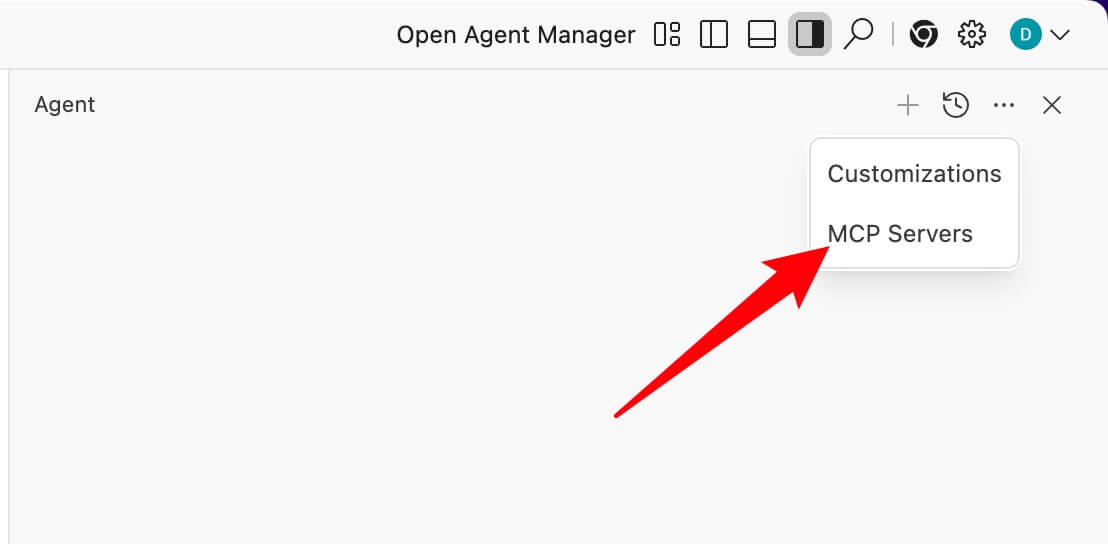
Search for and install the Figma MCP Server, then install it.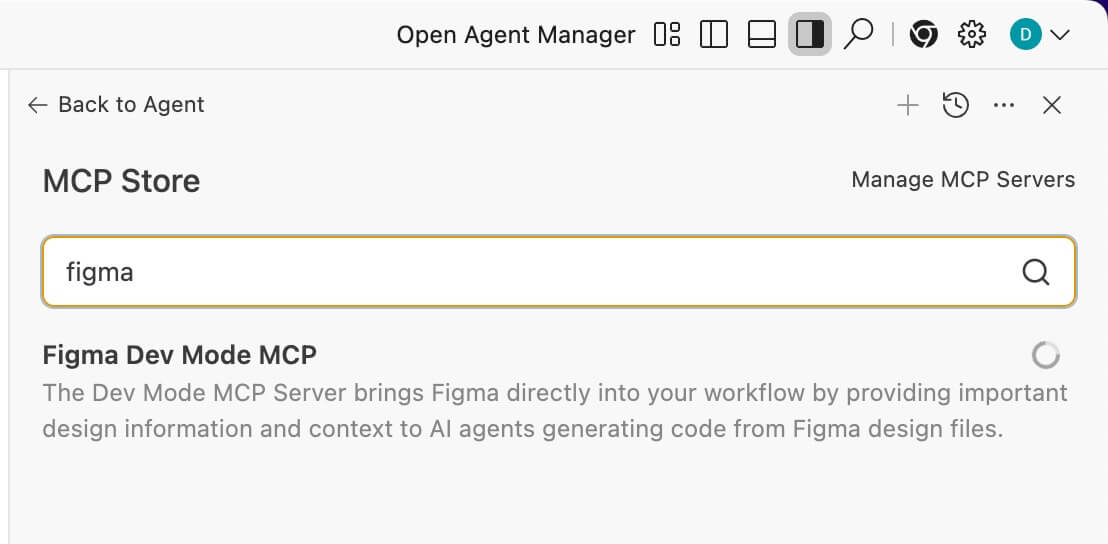
Usage
For actual usage, just paste the Figma design layer link in the prompt, and specify that the code should be generated according to the Figma design.
Figma MCP Settings
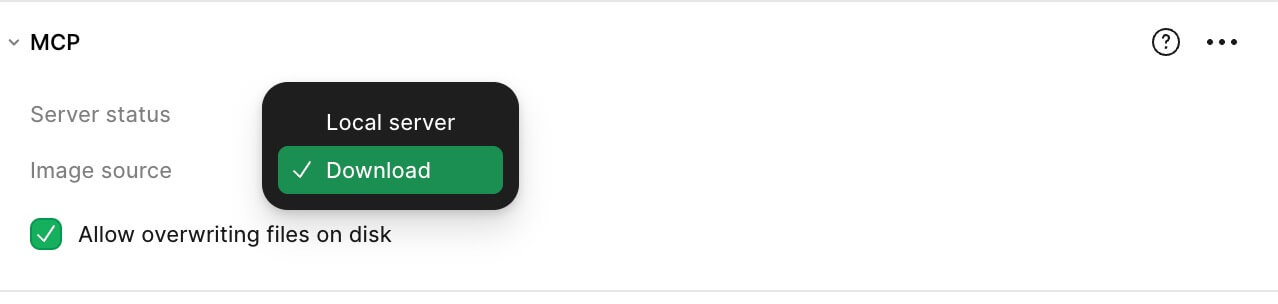
One small detail is that the Figma side can configure how images and icons are handled. This way, during use, the AI can download Figma resources to the project or directly use web addresses, etc. The official documentation is quite rough, so I’m specifically mentioning this here.
Usage Experience
Currently, compared to Sonnet/GPT, I think this has the highest fidelity. Recommended to try out.


