Current AI tools already have web search capabilities. For example, Claude Code under CC integrates web search functionality. However, I heard Exa is a great AI search tool, so I tried it out for a day and found it quite good. Here’s my share.
Advantages of Exa Search
In my opinion, there are two main advantages: 1) Quality, 2) Speed. While AI’s web search essentially involves direct searching, Exa seems to have its own index database, resulting in much better search quality and faster response times.
Free/Paid Usage
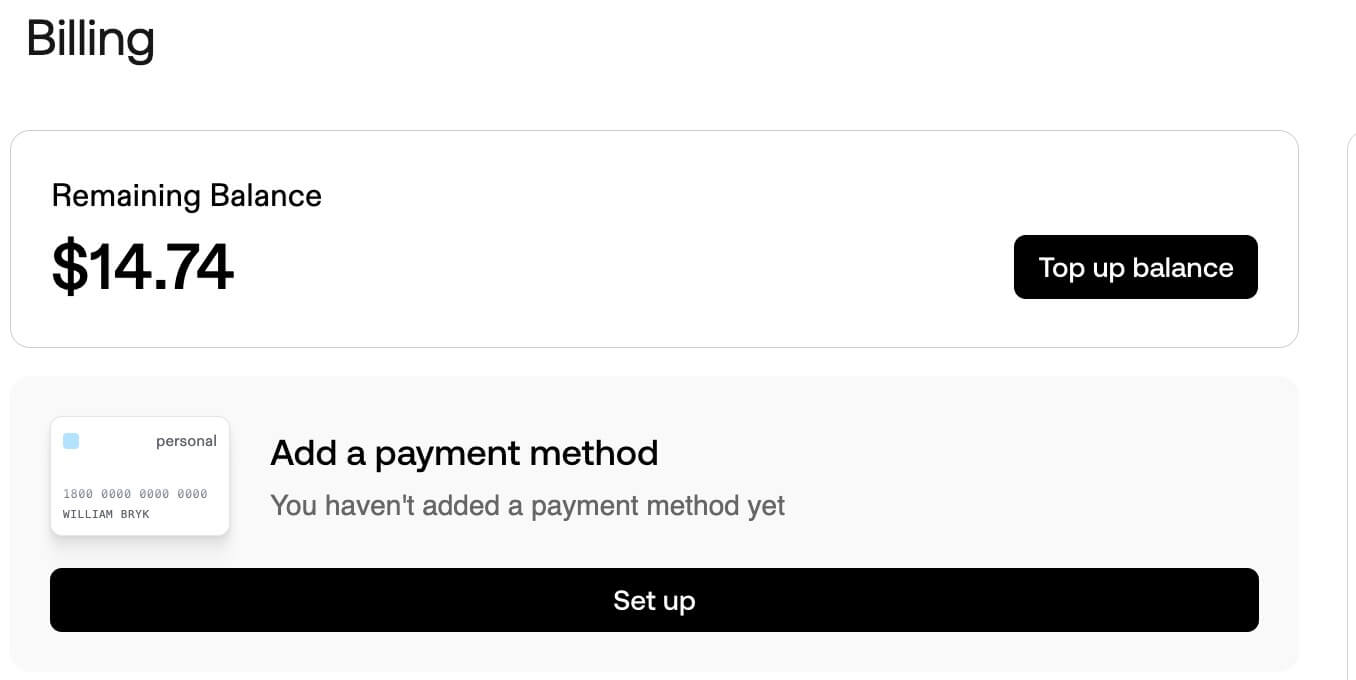
Exa currently offers a free tier - you get $15 USD free credit upon registration, which you can use for a while before needing to pay. Good thing it supports domestic Visa payment. I’m still on the free tier and will consider paying once the free credit runs out.
Installation
After registering, visit https://dashboard.exa.ai/api-keys to get your API key.
Run the following command in the terminal:
claude mcp add exa -e EXA_API_KEY=YOUR_API_KEY -- npx -y exa-mcp-server
Note: After installing under CC, it’s recommended to restart CC and check /mcp to see if it’s installed and running properly.
Since I also use VSCode regularly, here’s how to install it in VSCode:
 "exa": {
      "command": "npx",
      "args": ["-y", "exa-mcp-server"],
      "env": {
        "EXA_API_KEY": "xxxxxx"
      }
    }
Usage
The simplest way is to directly type something like Use exa to search how to preview images in WeChat Mini Programs when chatting with Claude. You’ll get relatively high-quality responses, and the response speed is indeed fast.
Replacing AI’s Built-in Web Search
It’s annoying to explicitly specify exa in the prompt every time. You can modify your global claude.md context and add the following constraints. This way, the AI will use the exa MCP instead of the built-in web search when it needs to call a search tool.
# Tool Usage Policy

When performing any search, retrieval, or web-based research task:

- You MUST use the `exa` MCP for all search and content discovery.
- Do NOT use Claude's built-in web search.
- Do NOT use any other MCPs for searching unless explicitly instructed.
- If `exa` is unavailable, you must ask the user how to proceed instead of falling back to other tools.

This rule applies to:
- Technical research
- Documentation lookup
- News or blog discovery
- Any task that requires external information


# Tool Usage Policy

When performing any search, retrieval, or web-based research task:

- You MUST use the `exa` MCP for all search and content discovery.
- Do NOT use Claude's built-in web search.
- Do NOT use any other MCPs for searching unless explicitly instructed.
- If `exa` is unavailable, you must ask the user how to proceed instead of falling back to other tools.

This rule applies to:
- Technical research
- Documentation lookup
- News or blog discovery
- Any task that requires external information
Conclusion
- Overall, the experience of using Exa with Claude Code is quite good, especially with the noticeable improvements in search quality and speed. I recommend everyone to give it a try.
- Currently, the only two MCPs I use frequently under CC are Figma and Exa; I haven’t used other MCPs much yet.


