Most AI tools now have web search capabilities. For example, Claude Code can use online search, and when the AI performs a web lookup, you can clearly see it calling WebFetch. I heard that Exa is a good AI search engine, so I used it for a while and found it genuinely strong. Here is my experience.
Advantages of Exa Search
My understanding is: 1. quality, 2. speed. AI web search is essentially direct search, but Exa appears to have its own index, so the quality is much better and the response is also much faster.
Free/Paid
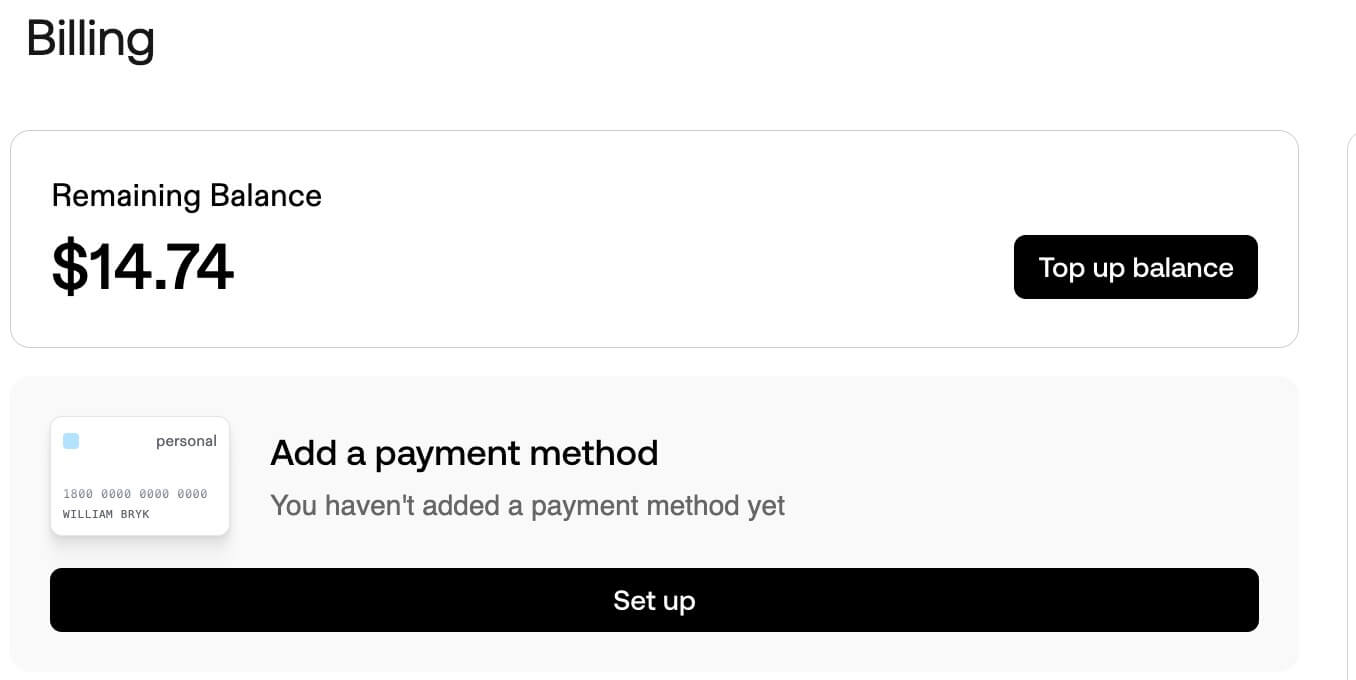
Exa currently has a free credit allowance, but it is still a paid product. Registration gives you 10 USD in credits, though this amount often changes, so use the official information as the source of truth. The free credits can last for a while, and after that you need to pay. Fortunately, it supports domestic Visa cards.
I am still using free credits at the moment, since I have more than 60 dollars available. After I use them up, I may consider paying.
Credit Promo Codes
Exa occasionally runs campaigns that provide credit promo codes. If you have one, you can redeem it on this page.

If you cannot find a promo code, try looking on social media or Xianyu.
Install
Exa provides MCP, SDKs, and APIs directly, so choose whichever fits your use case.
Here I use Claude MCP as an example.
claude mcp add exa -e EXA_API_KEY=YOUR_API_KEY -- npx -y exa-mcp-server
For the specific MCP server configuration, refer to the example below.
 "exa": {
      "command": "npx",
      "args": ["-y", "exa-mcp-server"],
      "env": {
        "EXA_API_KEY": "xxxxxx"
      }
    }
Usage
Here is how to let the AI call MCP. The method is basically the same as other MCP servers.
- The simplest way is to tell Claude directly, for example:
Use Exa to search how to preview images in a WeChat Mini Program. Then you can see a relatively high-quality response, and the response speed is indeed fast. - You can also define in the project prompt that online search should use Exa MCP. Then when the AI decides which tool to call, it will use Exa MCP instead of the built-in web search.
Which one to choose depends on your workflow.
Aside from MCP, the SDK or API usage is straightforward. Just follow the documentation.
Related Docs
Final Thoughts
- If you have not tried Exa before, I recommend giving it a shot. Personally, I think it is very good.