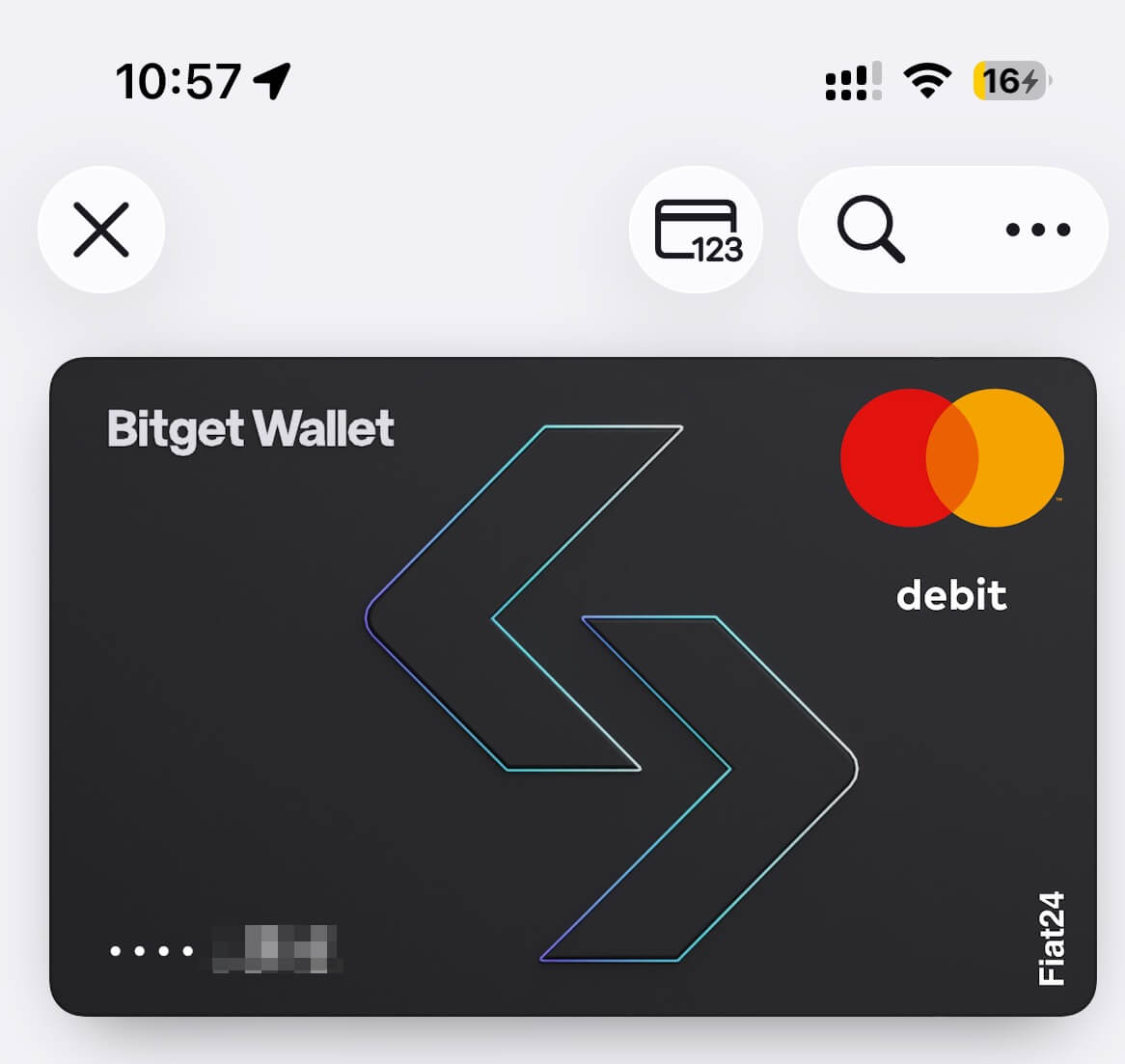
On Friday, I saw someone in the community mention that Fiat24 card applications were about to close. Since this is an international card, I applied for an account with the mindset that I may not use it, but I should not be without it. I finally received the approval message on Friday night. Here is a quick note on the application process.
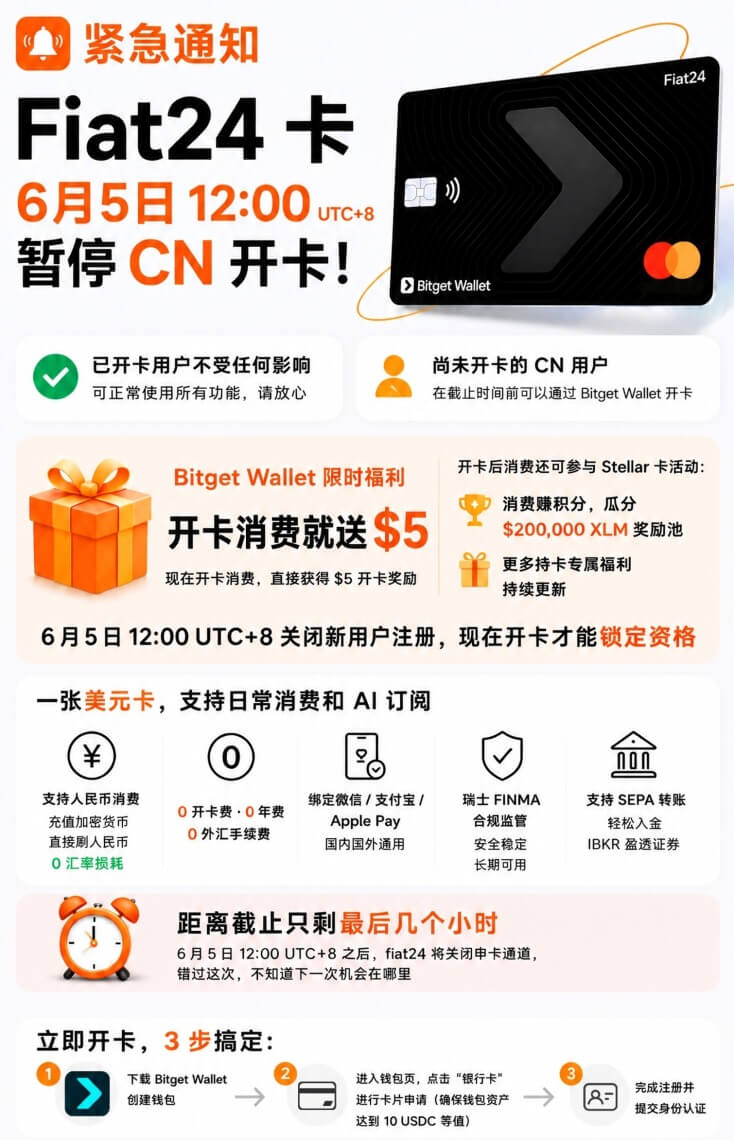
Fiat24 Officially Stops Mainland China Applications
Fiat24 officially confirmed that starting tomorrow, June 5, at 12:00 noon, it will permanently stop accepting new users from mainland China. Existing users are not affected and can continue using the service as usual.
If you are still eligible to apply, keep reading. If not, it may be worth looking for other options.
Notes
The official documentation is actually quite clear. Just follow the steps. I will add a few extra details here.
- Download BitgetWallet on mobile, not Bitget.
- Due to identity differences, applicants from mainland China are actually applying for a Bitget card.
- The BitgetWallet wallet must have at least 10 USD worth of USDC. I urgently transferred some over from Poly.
- A passport is required during the application process, and the passport will be used for
NFC verification, so make sure it is ready. - There is cashback on the first purchase. In my own test, it was
5 USD.
My Invitation Code
alanhe421. I am not sure what benefits this invitation code provides, but filling it in should not hurt.
Transfer Funds from Binance to Bitget Wallet and Top Up Your Fiat24 Card
- Open Bitget Wallet → Card → Top up.
- Check the supported assets shown on the page (usually USDC or USDT) and the supported network. Always use the network currently displayed in your app.
- In Bitget Wallet, open the corresponding asset, tap Receive, and copy the wallet address for that network.
- In Binance, go to Assets → Withdraw/Send → On-chain Withdrawal. Select USDC or USDT, paste the Bitget Wallet address, and choose exactly the same network shown in Bitget Wallet.
- For your first transfer, send only 10–20 USDC/USDT as a test. Once it arrives, return to Bitget Wallet → Card → Top up and move the USDC/USDT from your wallet into your Fiat24 card balance.
Card Value
Based on my actual testing so far, this card can be added to Apple Pay, and OpenAI can also be charged with it. I have not tested Claude yet, but it should work. I will add more use cases later if I get the chance.
Final Thoughts
Payment freedom is also a kind of freedom. Many services do not accept Visa cards issued in China, while the Fiat24 card is an international card / Swiss Web3 bank card that can fill this gap. So use it while you can.